Make sure everyone has the latest drawings.
It's your money. Your home. LatestDrawing.com puts you in control of your project drawings — whether your architect or builder is using it or not.
Free forever on the Free plan. No credit card required.
Stay Informed
Always know your builder has the latest drawings.
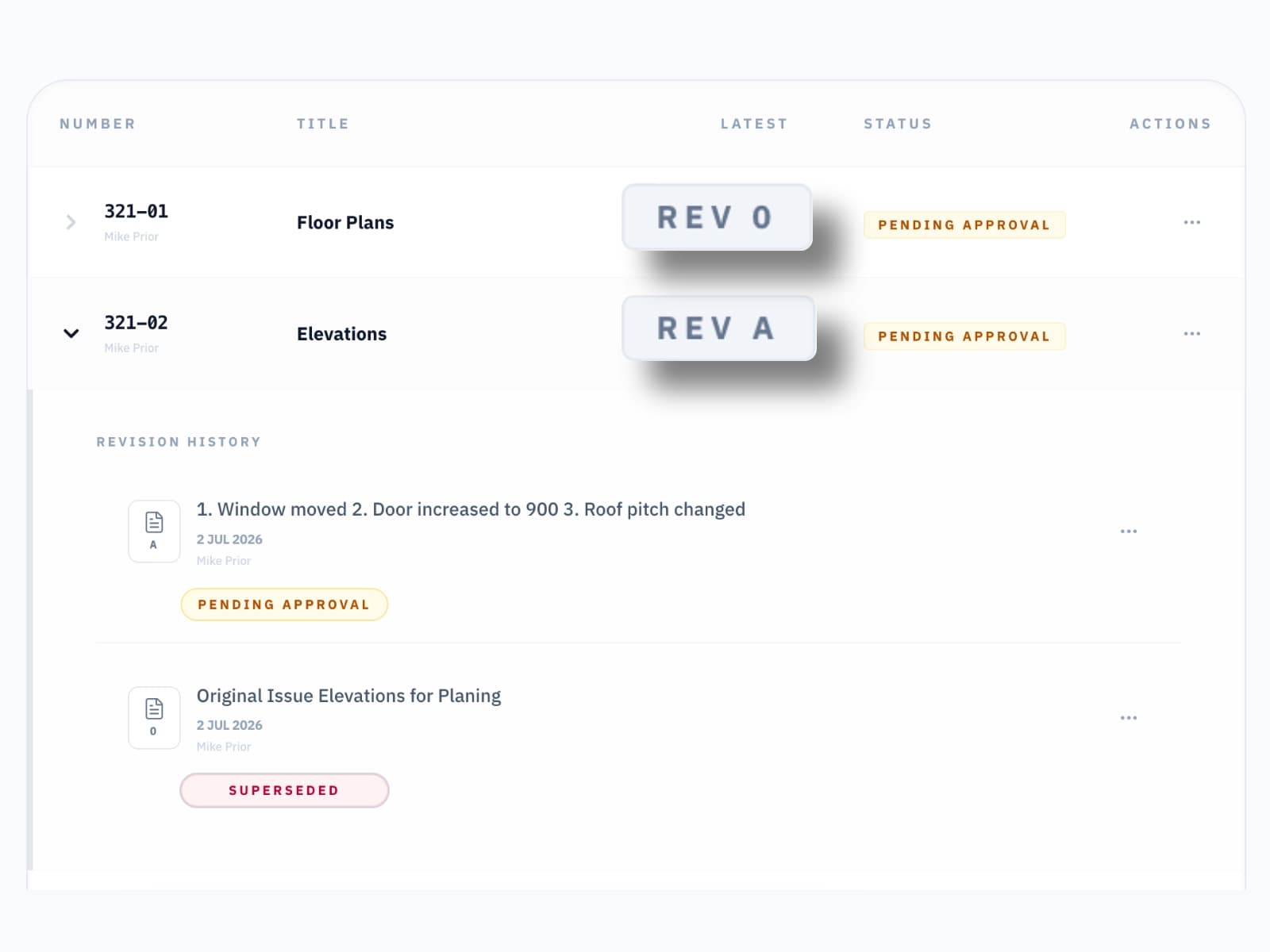
Provide access to every drawing and every revision — from any device, anywhere. No more waiting for email attachments. No more wondering if the drawing your builder is working from is the one you approved. You see exactly what they see.
On Site Verification
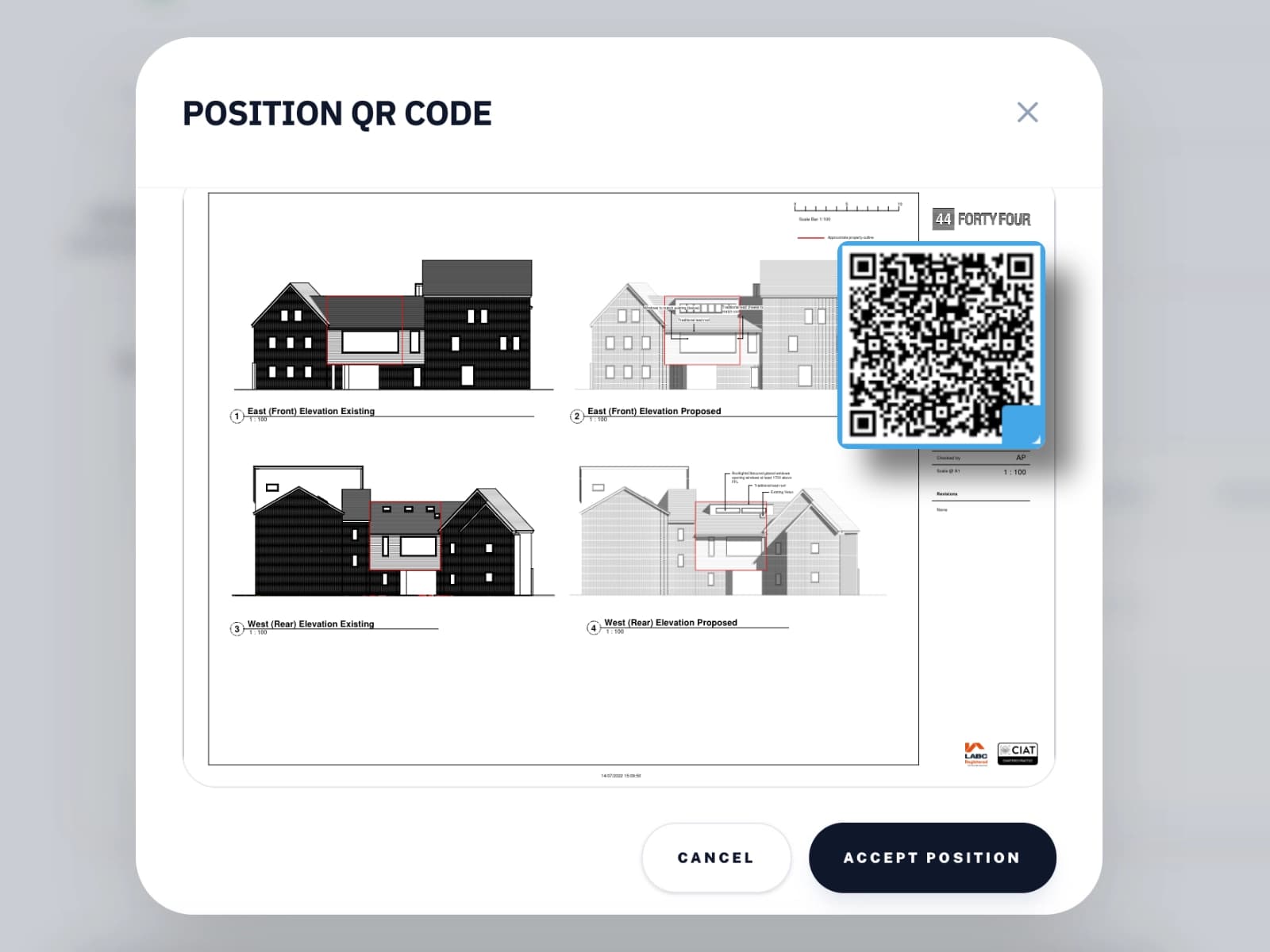
Scan the QR code to verify the drawing is current.
Visit your project and scan the QR code on any drawing. Your phone will instantly tell you whether that drawing is the current issue or whether a newer version has been released since it was printed. No app, works straight from the browser. If your builder is working from an old drawing, you'll know before it becomes a problem.
Site Changes
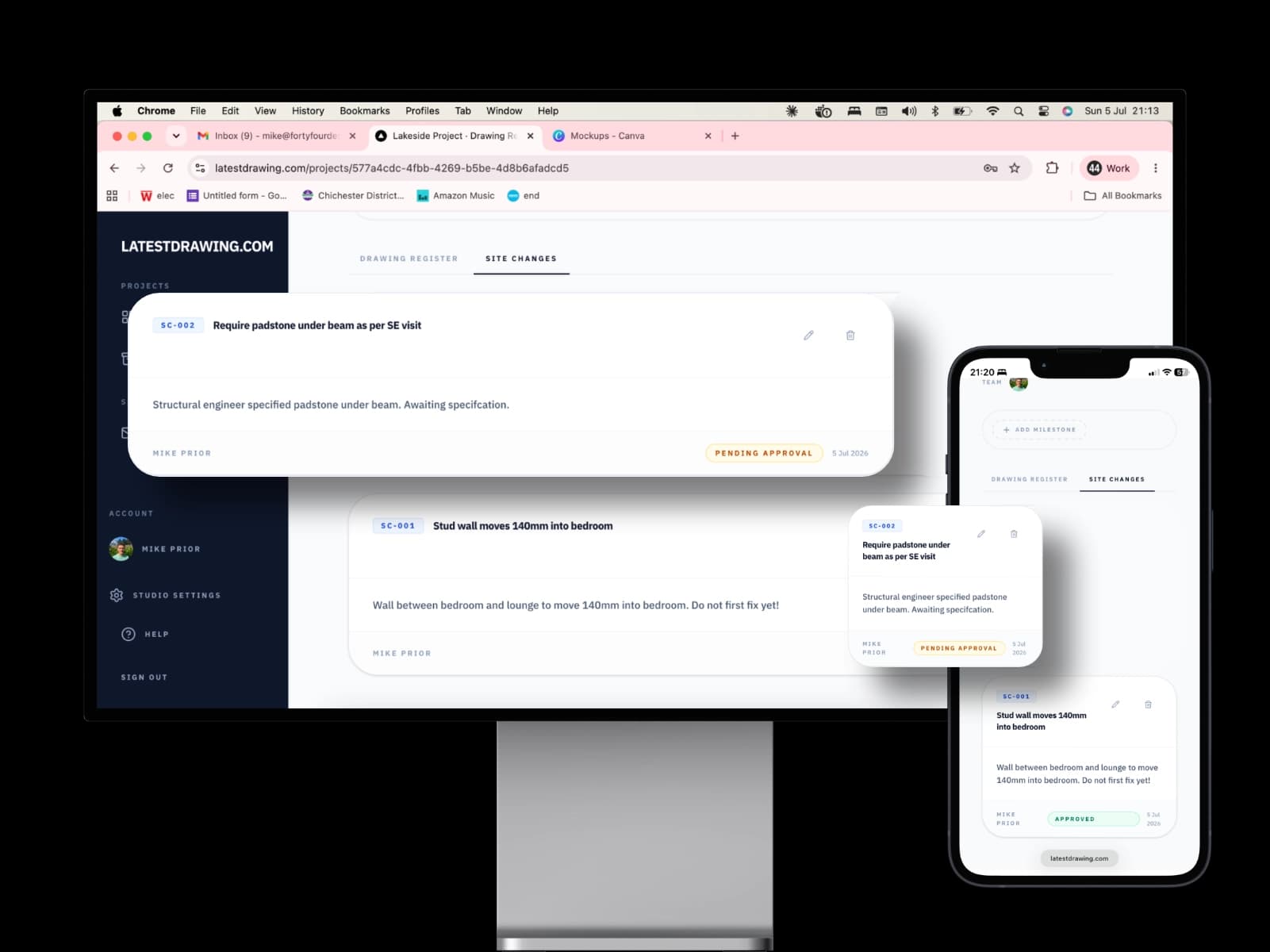
A clear record of every agreed change.
Building projects change. Windows move, rooms resize, finishes get swapped. Site Changes give you and your builder a shared, written record of every change agreed during construction — with images, a reference number, and a note of who was told. No more disputes about what was agreed and when. No more changes that never made it onto the drawings.
Forms & Documents
Approve and accept online.
Your architect can send you Forms to make choices and sign things off, and Documents such as fee proposals and appointment letters to accept online. Everything you answer or accept is kept with your project, and you are emailed a copy of every document you accept.
Learn more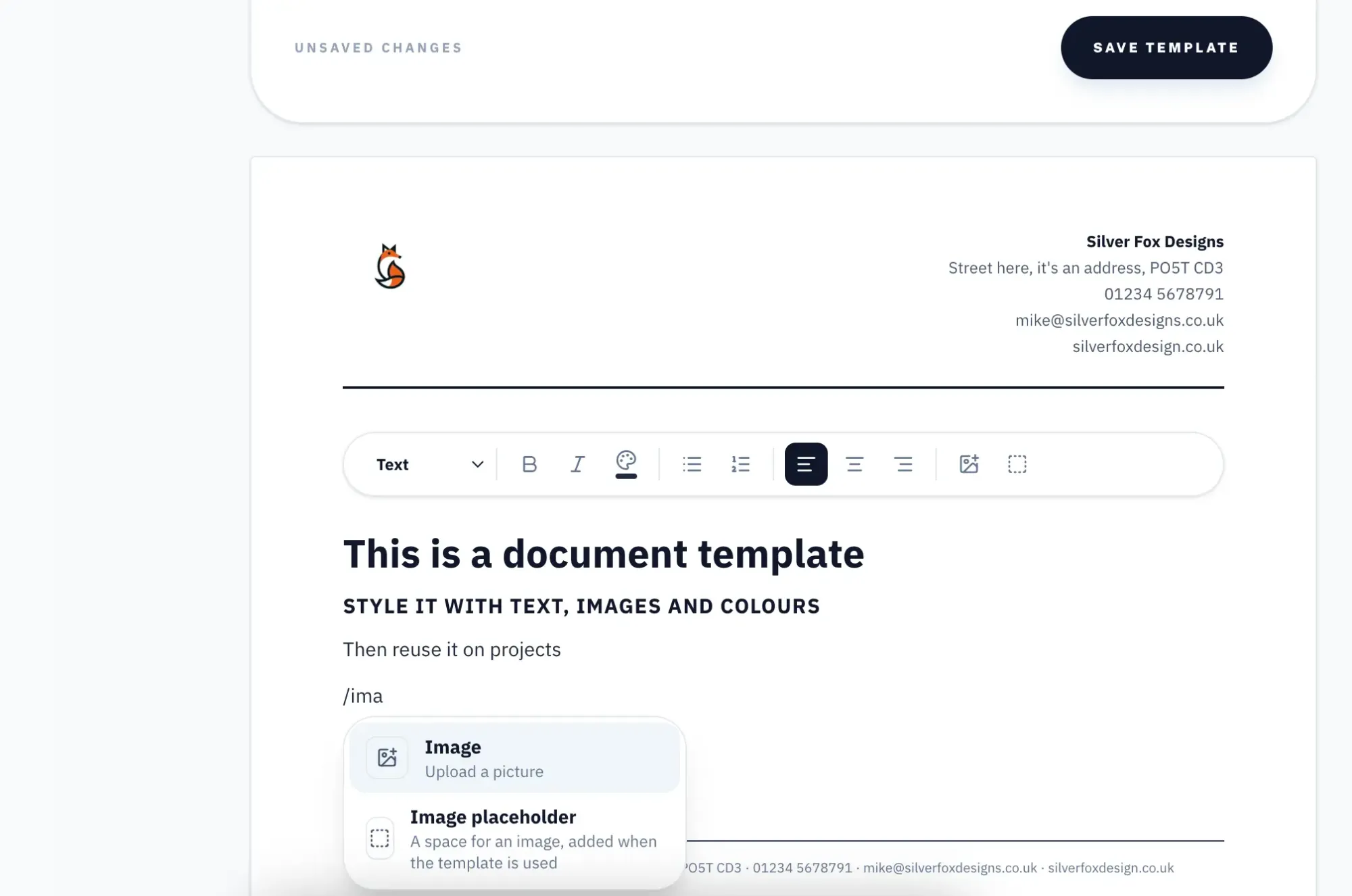
Site Visits
See what happened on every visit.
When your architect, engineer or builder visits site, they can publish a record of the visit — notes and photos, dated and numbered. You see every published visit, and can ask questions on it, without having to be there yourself.
Learn more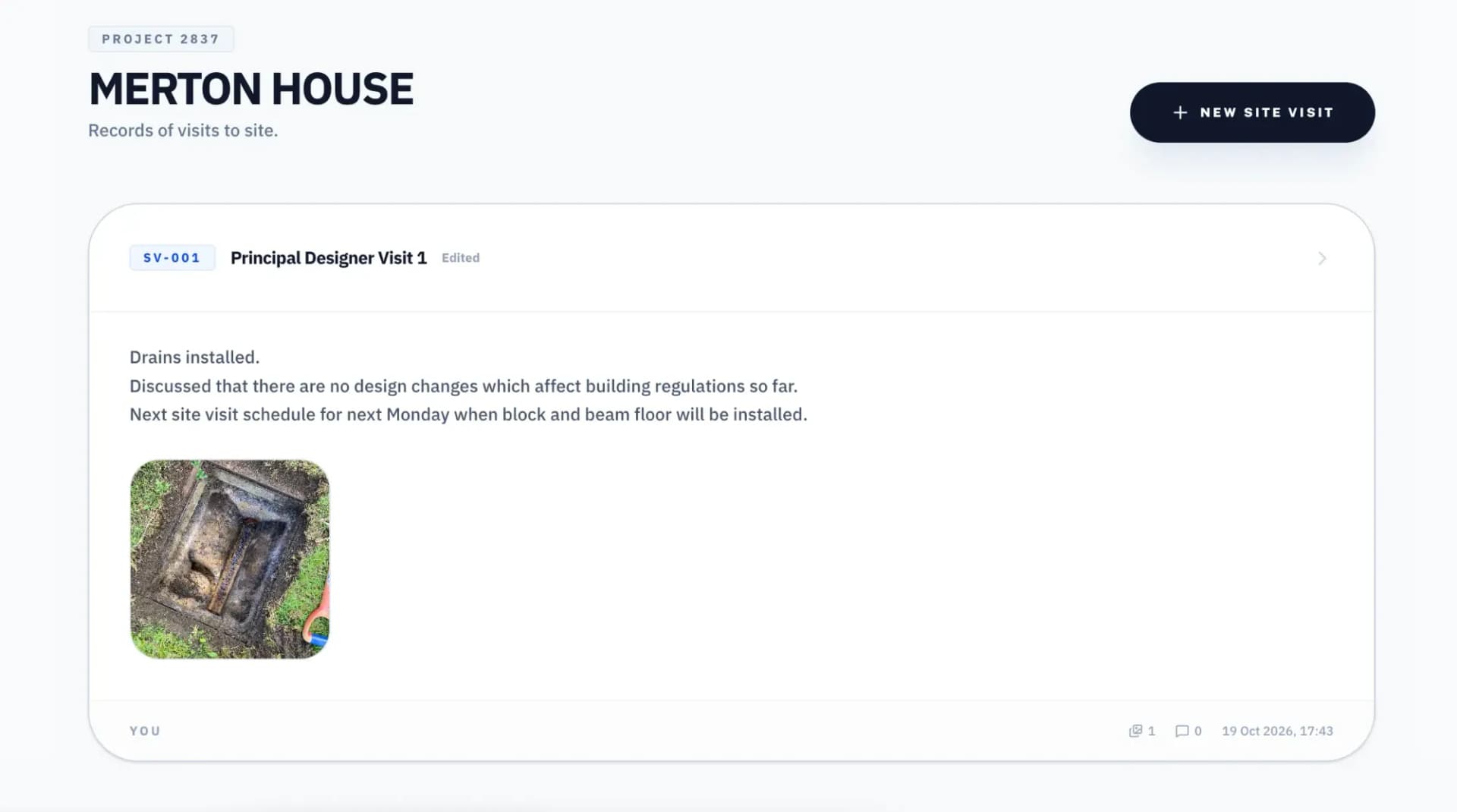
Take Control
You don't have to wait for your architect.
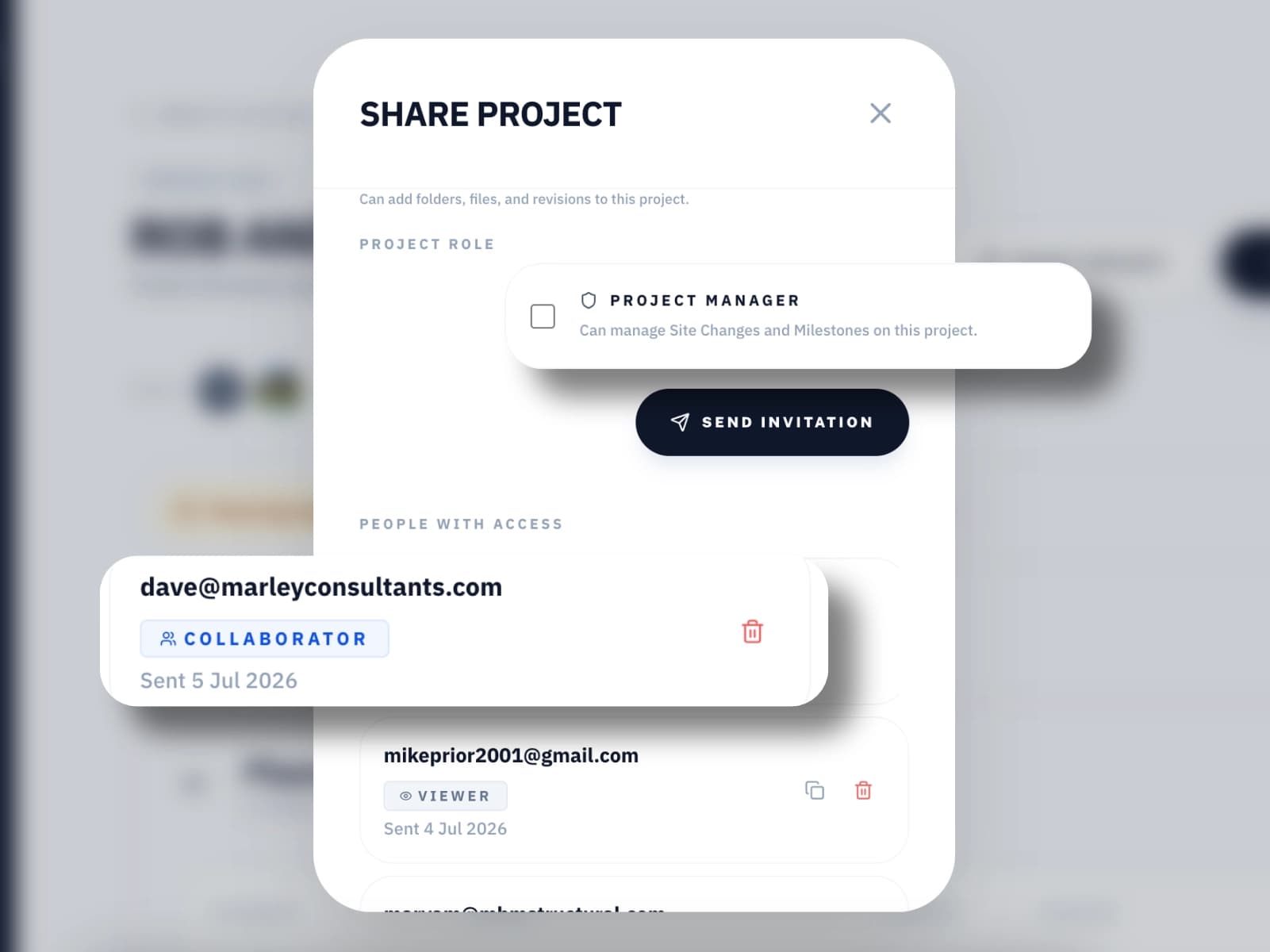
If your architect or designer isn't using LatestDrawing.com, you can set up your own free account and manage the drawings yourself. Upload the PDFs you've been sent, add QR codes, and share with your builder. Document control isn't just for professionals — it's for anyone who wants to know that the right drawing is being used on their project.
Milestones
Always know where your build stands.
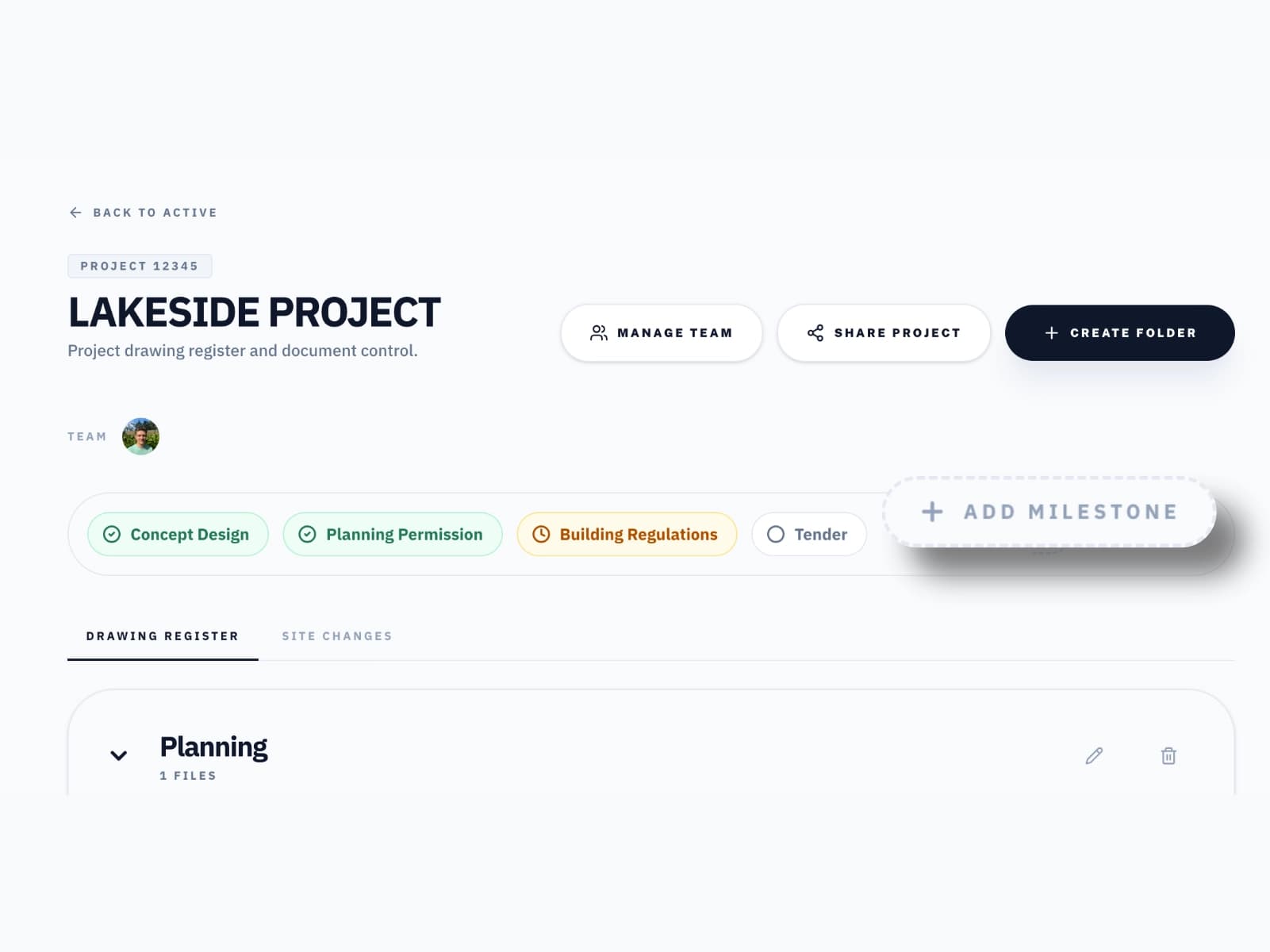
A build is more than a set of drawings — it's a timeline. Milestones mark the key stages of your project — planning submission, building regulations, site start, practical completion — so you can see at a glance whether planning has been approved or building regs have been submitted, without having to ask. Your builder can add their own milestones as work progresses on site, so you always know exactly how things are getting on — not just what the paperwork says.
Project Record
Your complete project history. For life.
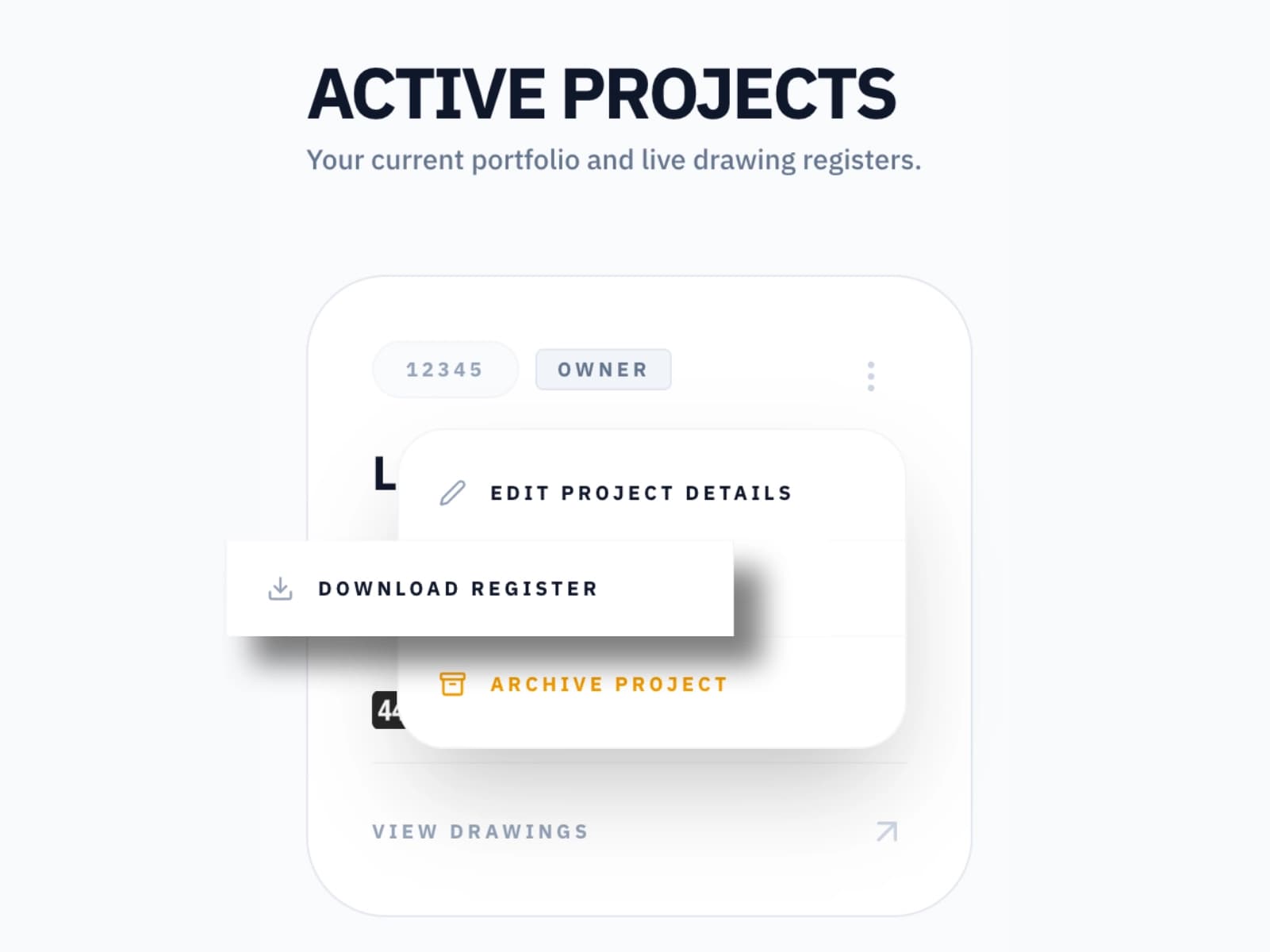
When the scaffolding comes down and the builders leave, you'll have a complete record of every drawing issued over the life of your project — every revision, every change, every document. Future extension? Your architect needs the as-built drawings. Insurance claim? You have the exact specification. Selling the property? Hand over a complete project record. It's already built.
What you can do
Everything you need. Nothing you don't.
See every drawing
Accept a share link from your architect and see every drawing and revision in one place. Always current, always accessible from any device.
Scan to verify on site
Scan the QR code on any drawing to instantly see whether it is the current revision. No app, works straight from the browser.
Track agreed changes
Site Changes give you a clear record of every agreed change during construction. If it was agreed on site, it is recorded here.
Manage it yourself
You don't need your architect to use LatestDrawing.com. Upload your own drawings, add QR codes, and share with your builder yourself.
Check drawing status
Every drawing shows its current status — Approved, Pending Approval, or Superseded. Know immediately what your builder should be working from.
Your project record
At the end of your project you have a complete record of every drawing issued. Invaluable for future work, insurance claims, or selling the property.
Forms
Make choices and sign things off online. Your answers are kept on record.
Documents
Read and accept proposals and letters online, with a copy emailed to you.
Site Visits
See the notes and photos from every published visit to site.
Your project. Your drawings. Your control.
Free forever on the Free plan. No credit card required.
Create Free Account