Features
Everything your project needs. Nothing it doesn't.
LatestDrawing.com is built around one idea: every person on a construction project should always be working from the latest drawing. Here's how it works.
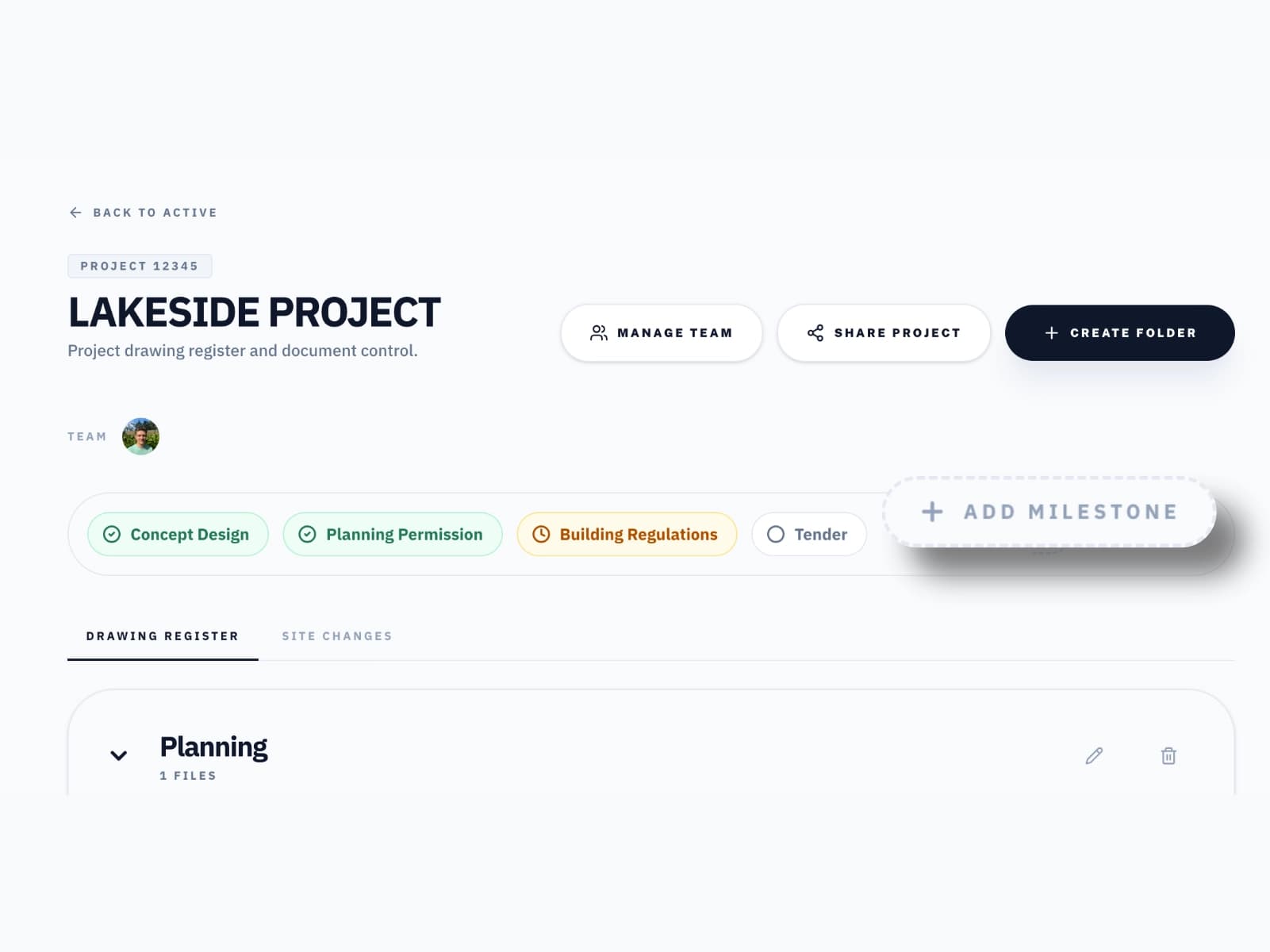
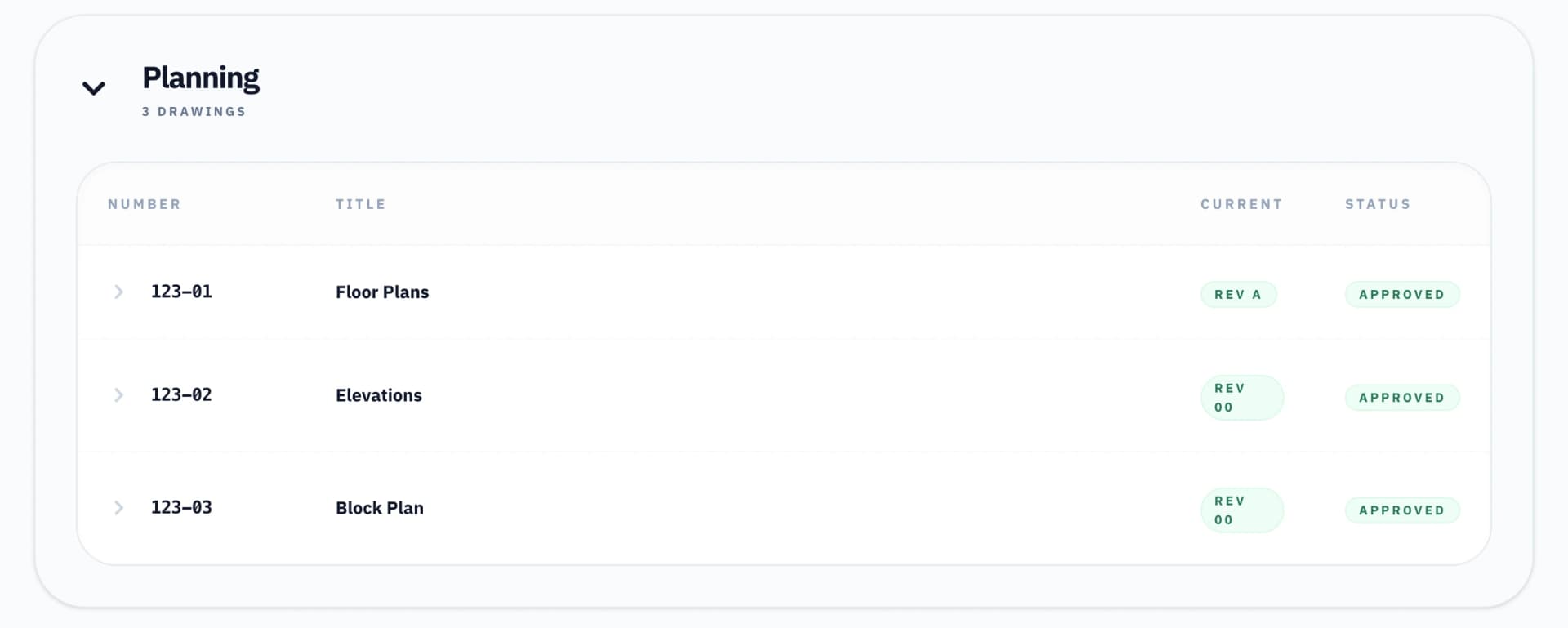
Drawing Register
A live drawing register.
Every drawing and revision in one place. No more hunting through inboxes or shared drives wondering which PDF is current.
- Everyone involved can see the latest drawing as a Viewer or Collaborator
- Organise drawings and documents into folders
- One source of truth for the whole project team
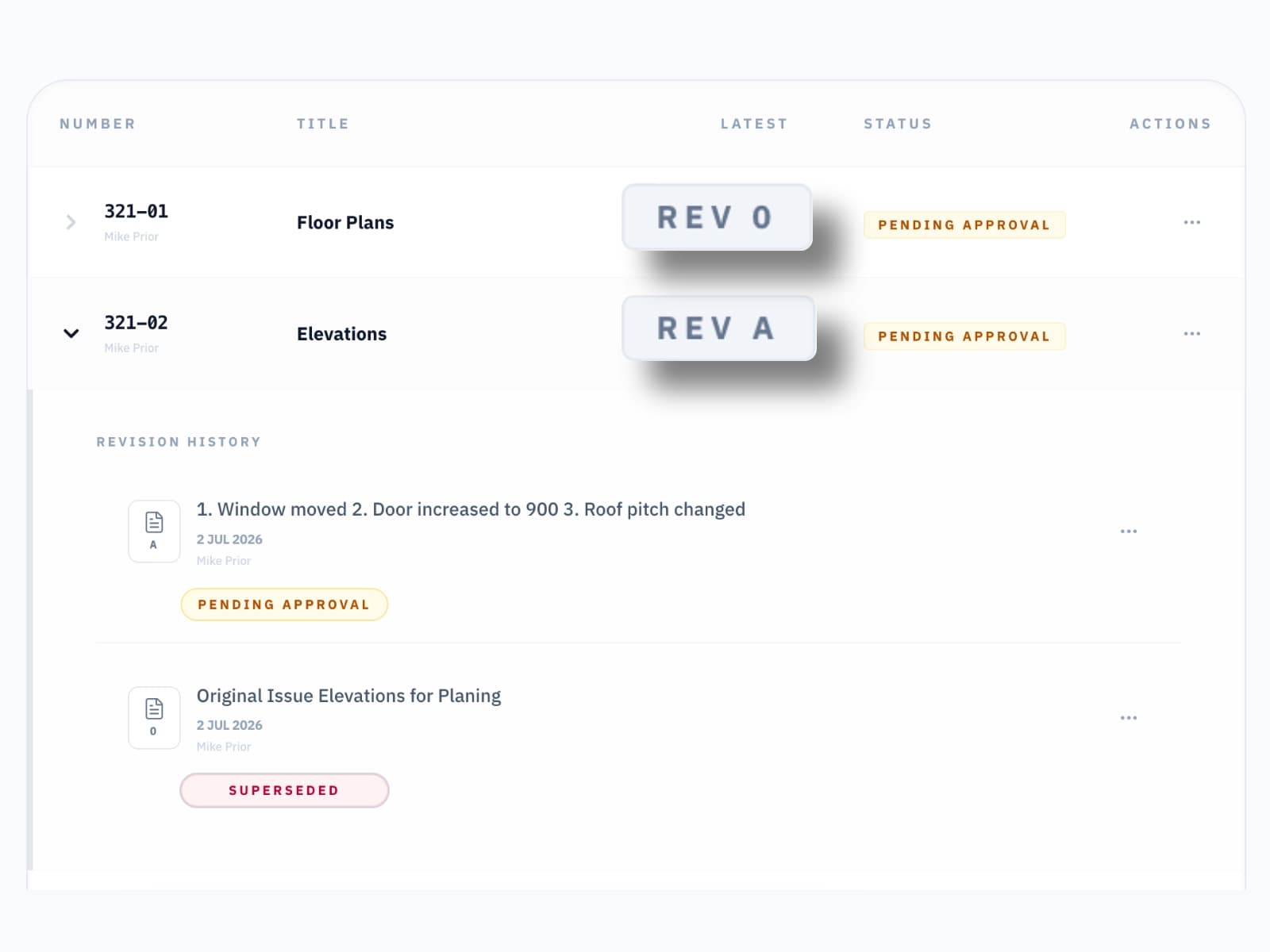
Revision History
Easily track changes and stay on the same page.
Upload a new revision and it joins the chain — labelled automatically (00, A, B, C…), timestamped, and attributed to whoever uploaded it. The latest revision is always obvious.
- Clear and automatic revision labelling system
- Status per revision: Pending Approval, Approved, Superseded and For Information
- Everyone involved can see the latest drawing and its status at a glance
Site Changes
Distribute on-site changes to everyone.
Not every change makes it onto a revised drawing before work starts on site. Issue a Site Change and it goes to everyone involved instantly — with images, a reference number, and a full record of who was notified.
- Issue changes with a title, description, and up to 5 images
- Select exactly who on the project gets notified by email
- Full audit trail of every change issued and to whom

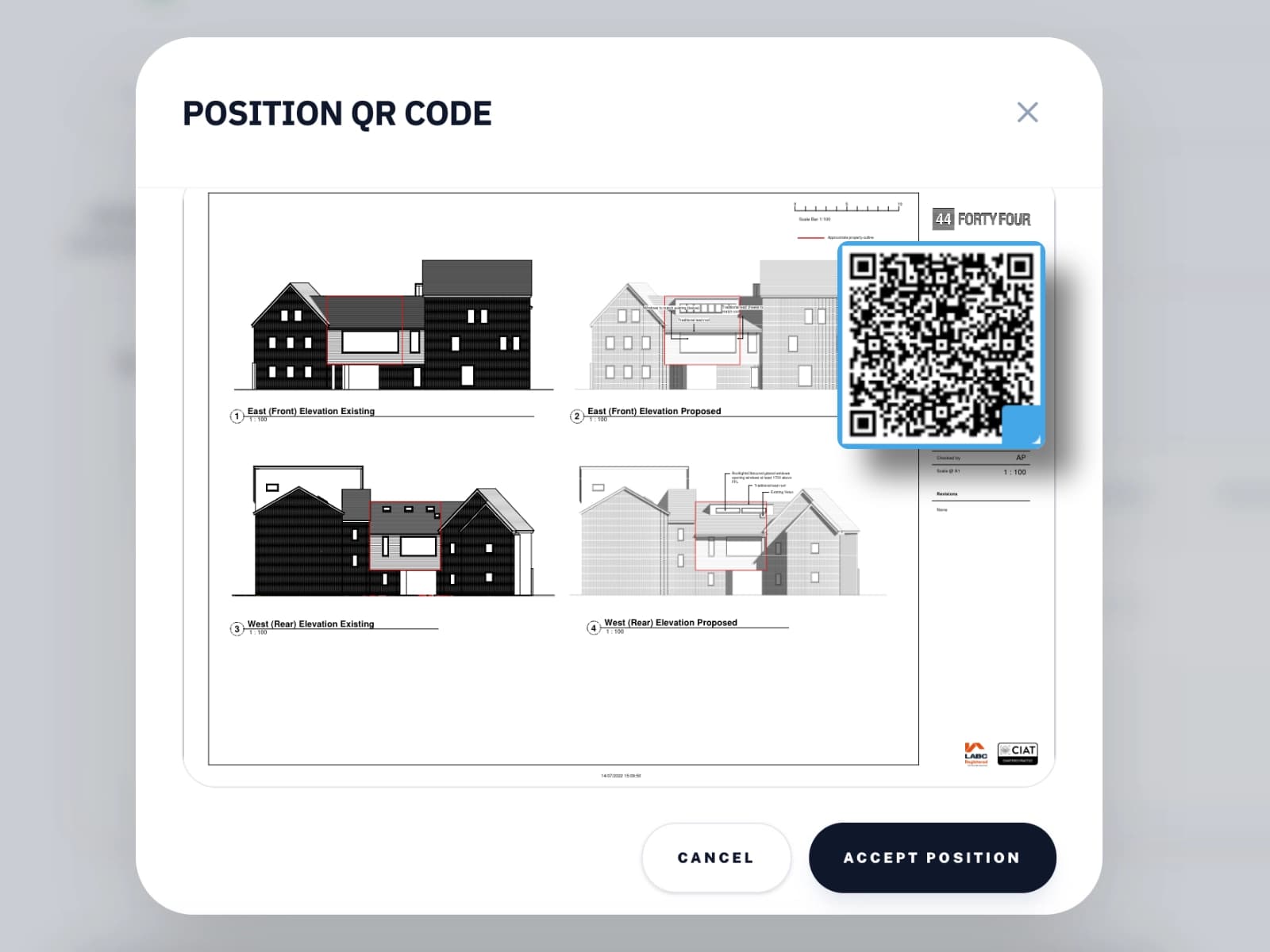
QR Code Stamping
Scan the QR code to verify the latest drawings.
When a revision is uploaded, a QR code is stamped directly onto the PDF. Anyone on site can scan it with any phone — no app, no login — and immediately see whether that drawing is the latest issue or has since been superseded.
- QR code embedded into every PDF on upload
- Scan from any phone — no app or account required
- Shows current status, revision history, and download link
- Instantly download the latest drawing if you have not been sent it already
View-Only Sharing
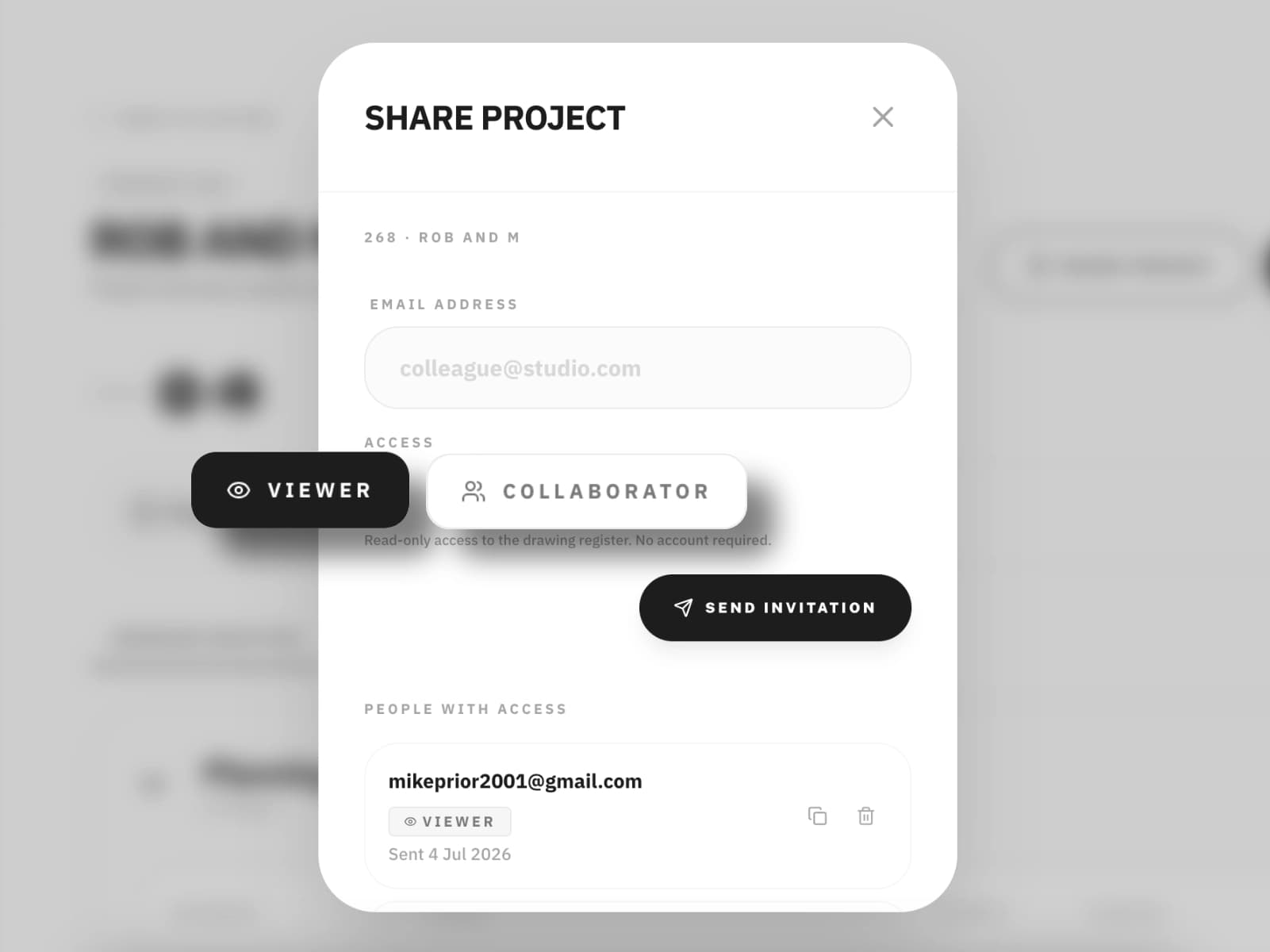
Share the project with view only links.
Generate a secure link to the project drawing register and send it to contractors, clients, or consultants. They get a read-only view of every drawing and revision. No account required - simple and easy to use.
- One link gives access to a full read-only version of the project register
- Ideal for sharing the latest drawings and documents with clients and third parties
- Track who you've shared with and revoke access at any time
Collaboration
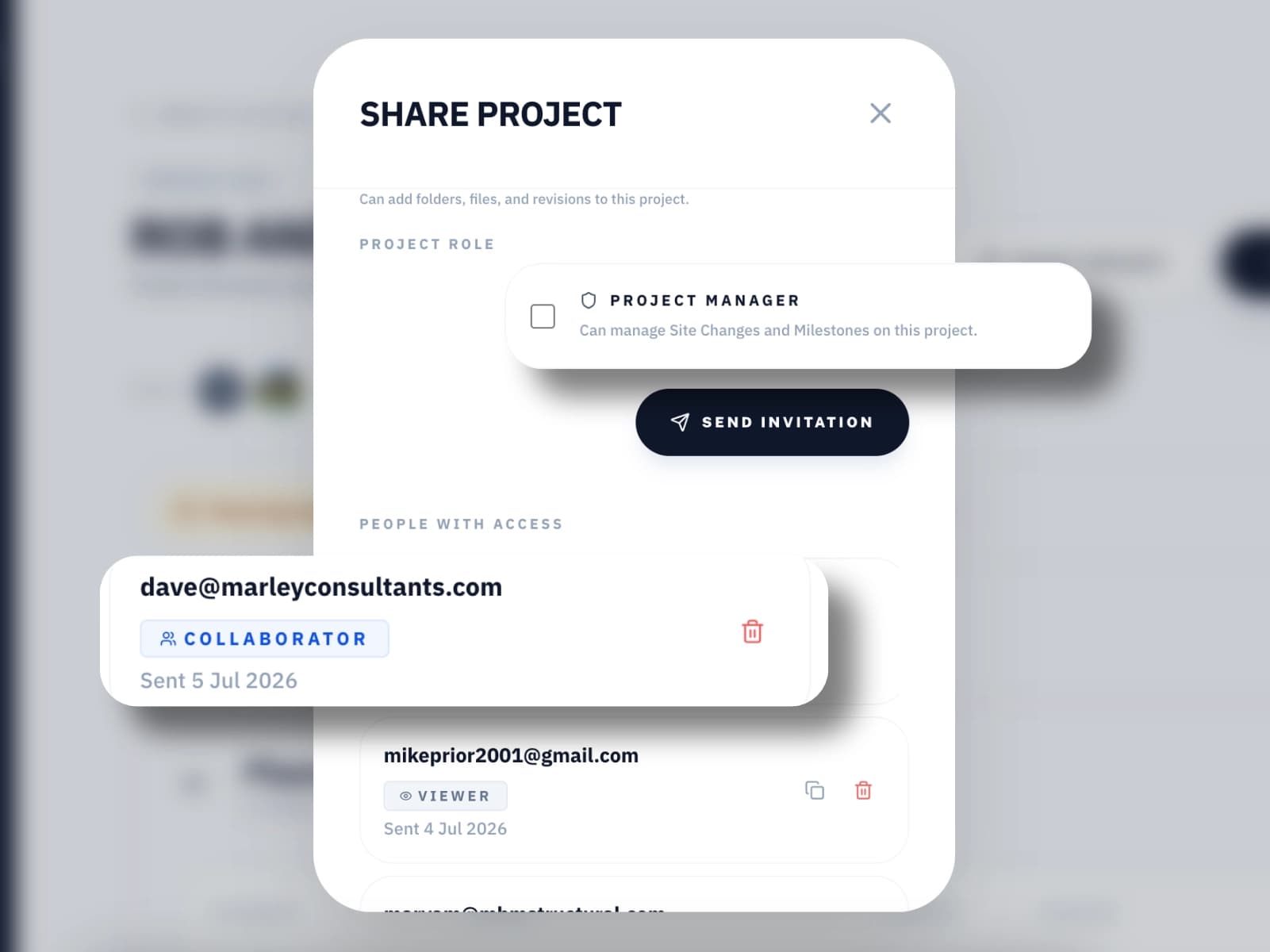
Invite others to collaborate.
Collaboration invitations let architects, structural engineers and other professionals to contribute directly to your project register. Their additions are clearly attributed, and they can only edit what they've added.
- Collaborators can add folders, drawings, and revisions
- Collaborators can only edit what they add — they can't change anything you upload
- Full attribution — their additions are always clearly labelled
- Revoke access at any time
Team Management
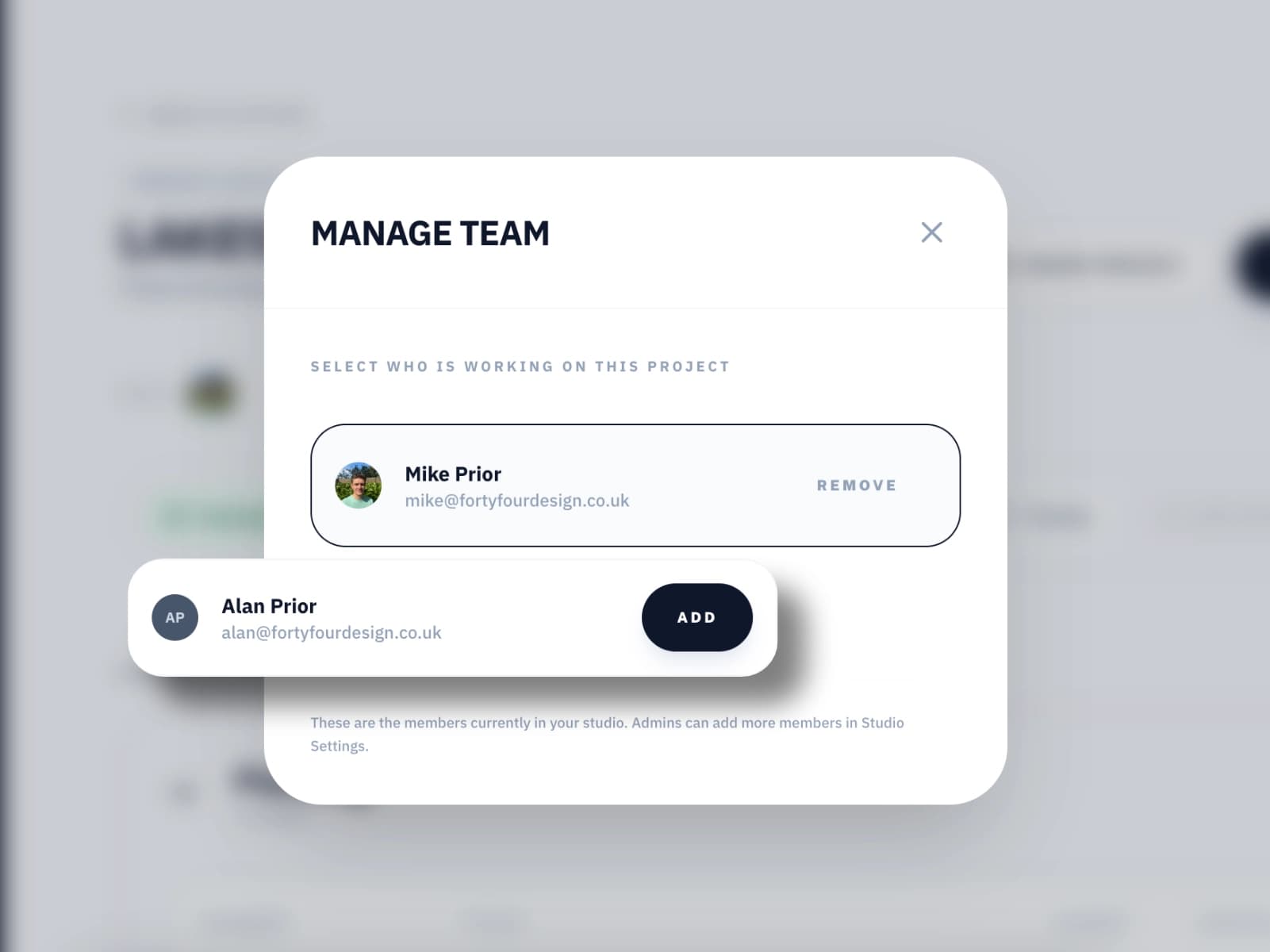
Assign projects to team members.
Add everyone in your practice to your studio account. Assign team members to specific projects so they only see what's relevant to them. Admins control who has access to what.
- Admin and member roles with clear permission boundaries
- Assign team members to specific projects
- One studio account for your whole practice
Milestones
Track Project Milestones.
Set the key milestones for a project — planning submission, building regs, site start, practical completion — and update their status as work moves through them. Everyone on the project sees at a glance exactly what stage it's at, without a phone call to check.
- Add unlimited milestones with a name, expected date, and status
- Status per milestone: Not Started, In Progress, Done
- Attach documents directly to a milestone — approval letters, consent notices, and more
- Visible to collaborators and share link recipients alongside the drawing register