Make sure you are working from the latest drawing.
From verifying drawings on site to tracking last-minute changes, LatestDrawing.com gives every contractor and builder the tools to stay current — whether or not the architect is using it.
Free forever on the Free plan. No credit card required.
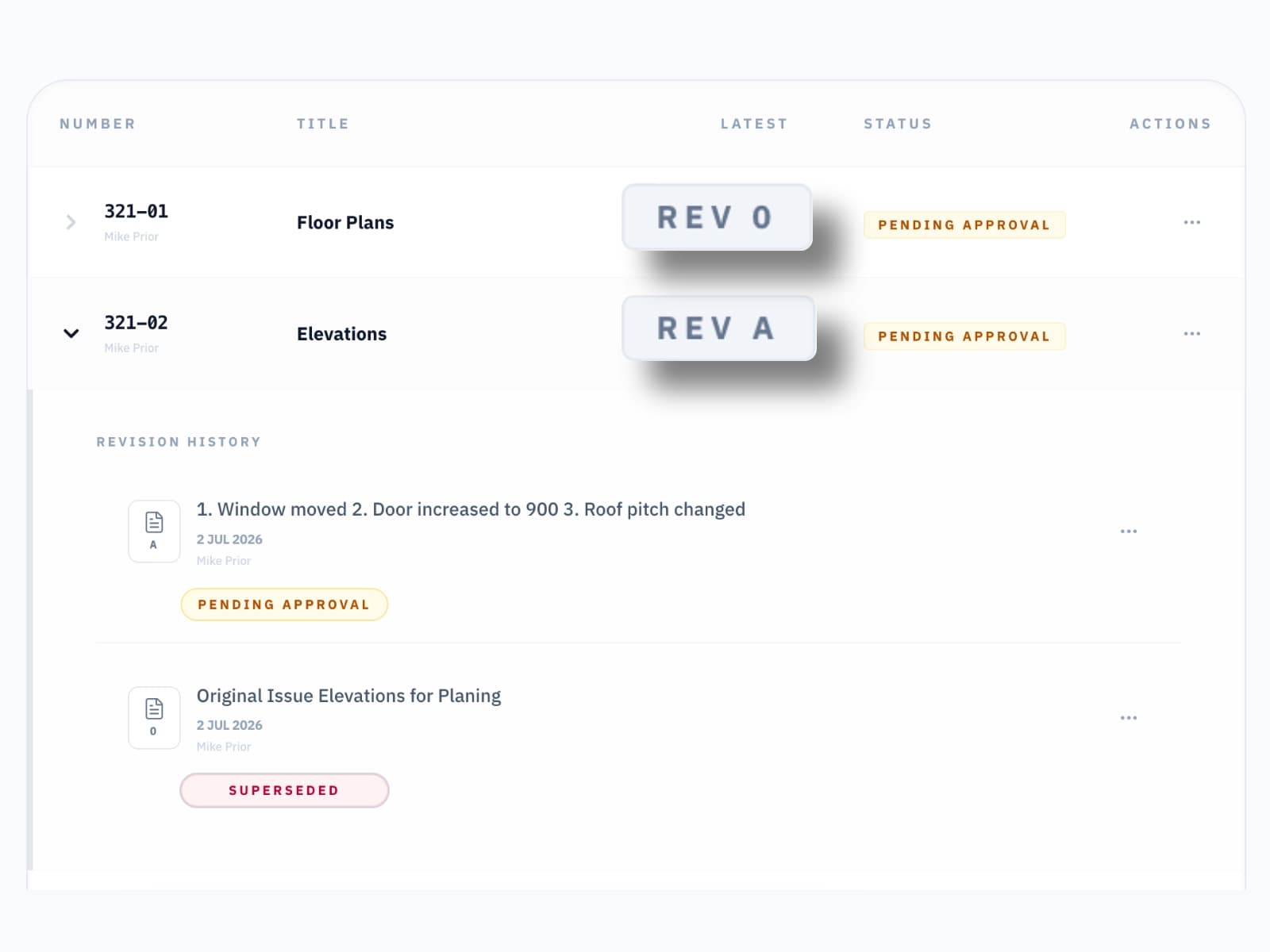
Drawing Register
Stay up to date with the latest drawings.
Accept a share link from the architect or designer and add the project straight to your dashboard. Every drawing, every revision, always current — no more hunting through emails for the latest PDF.
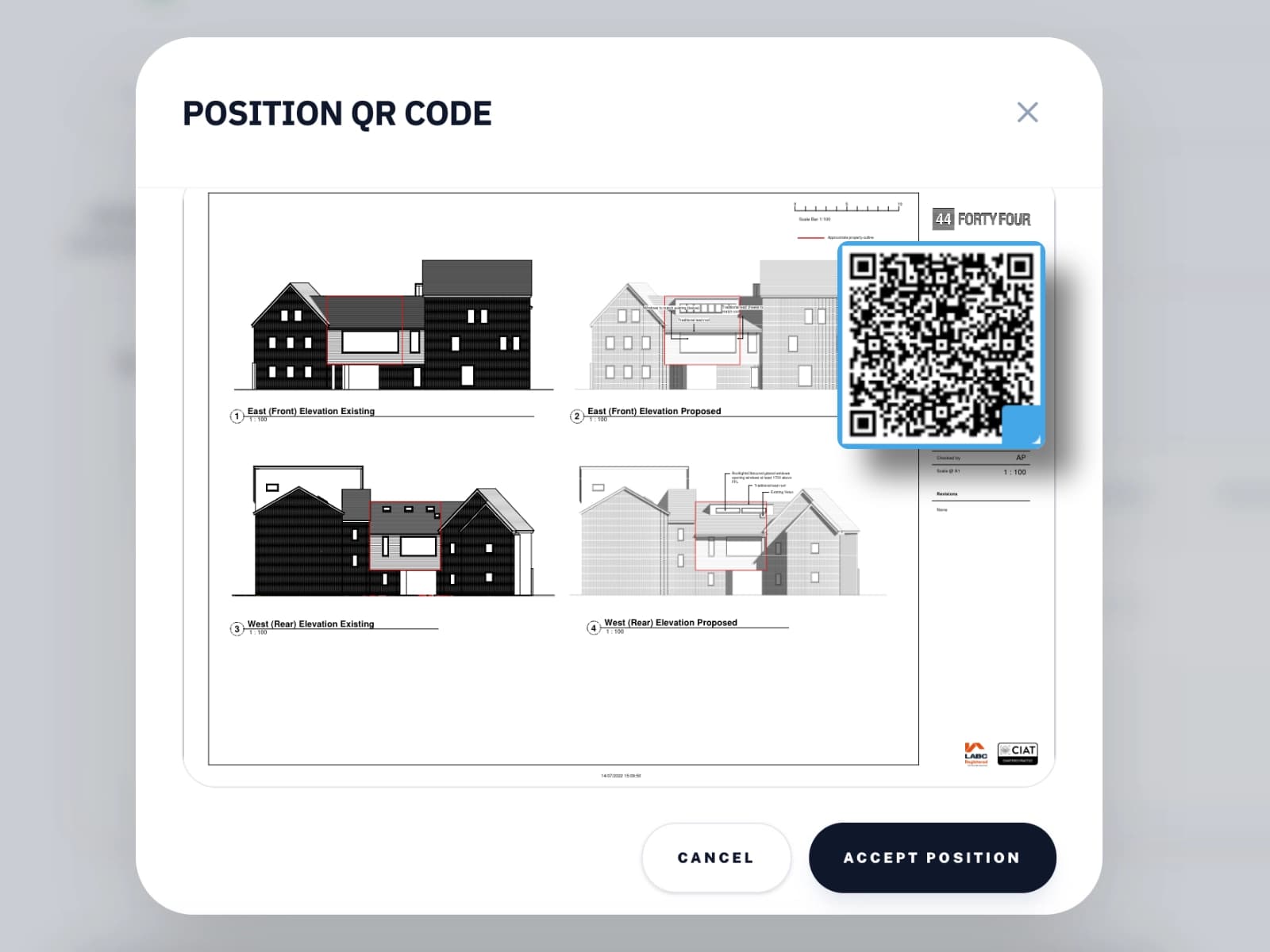
QR Code Verification
Scan the QR code to verify the drawing is current.
Every drawing issued through LatestDrawing.com carries a QR code. Point your phone at it on site and instantly see whether the drawing in your hand is the latest issue or has since been superseded. No app, works straight from the browser.
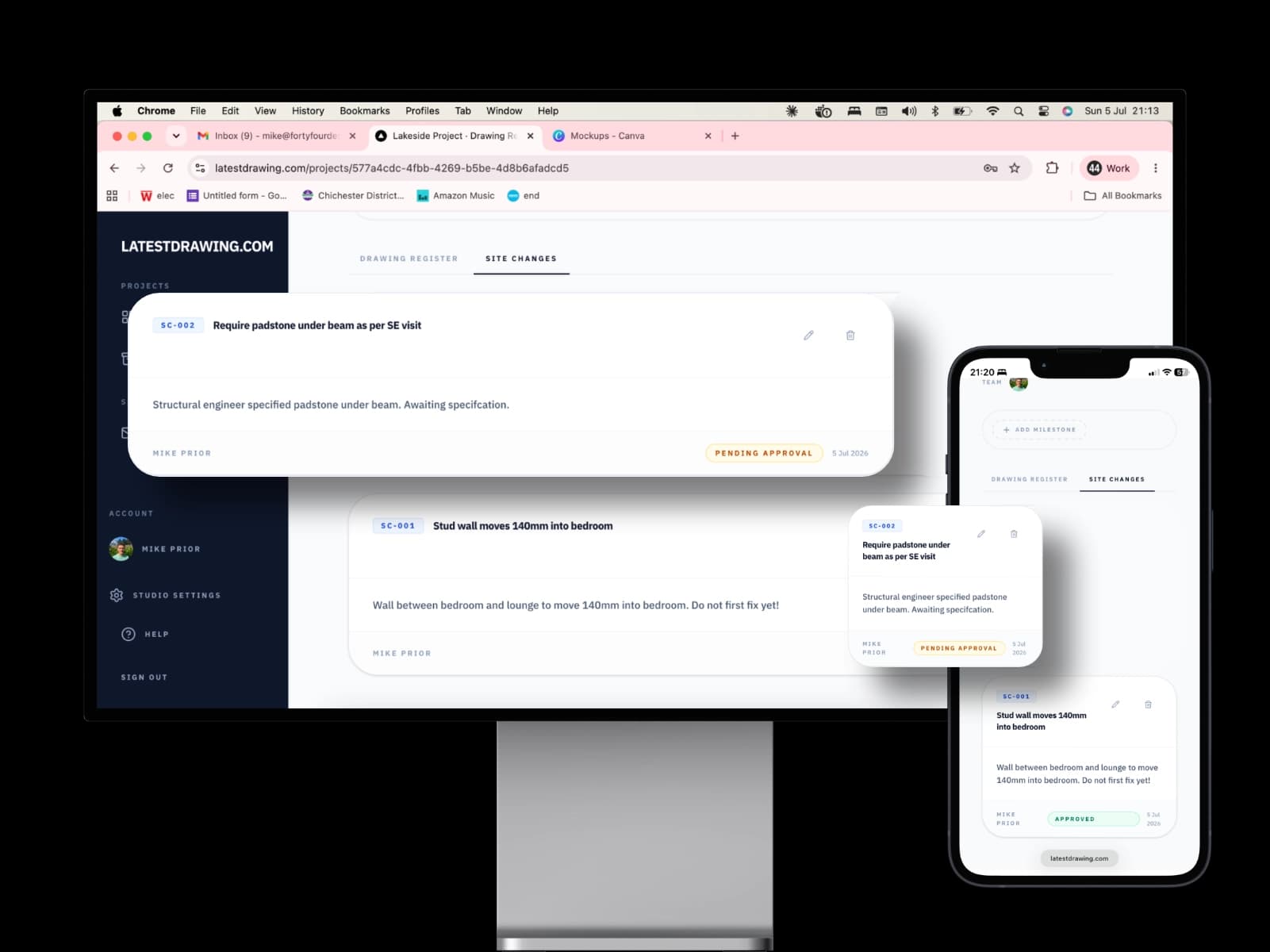
Site Changes
Track on-site changes that are not reflected on the drawings.
Not every change makes it onto a revised drawing straight away. Site Changes let the project team distribute and track agreed changes — window moved, door repositioned, lintel specification updated — so nothing gets missed on site, even before the drawings catch up.
Site Visits
A record of every visit, with photos.
Record what you found on site from your phone — notes and up to 50 photos. Publish the visit and the design team and client all see it, numbered and dated, with a comment thread for follow-up questions. You will also see every Site Visit the architect and engineers publish.
Learn more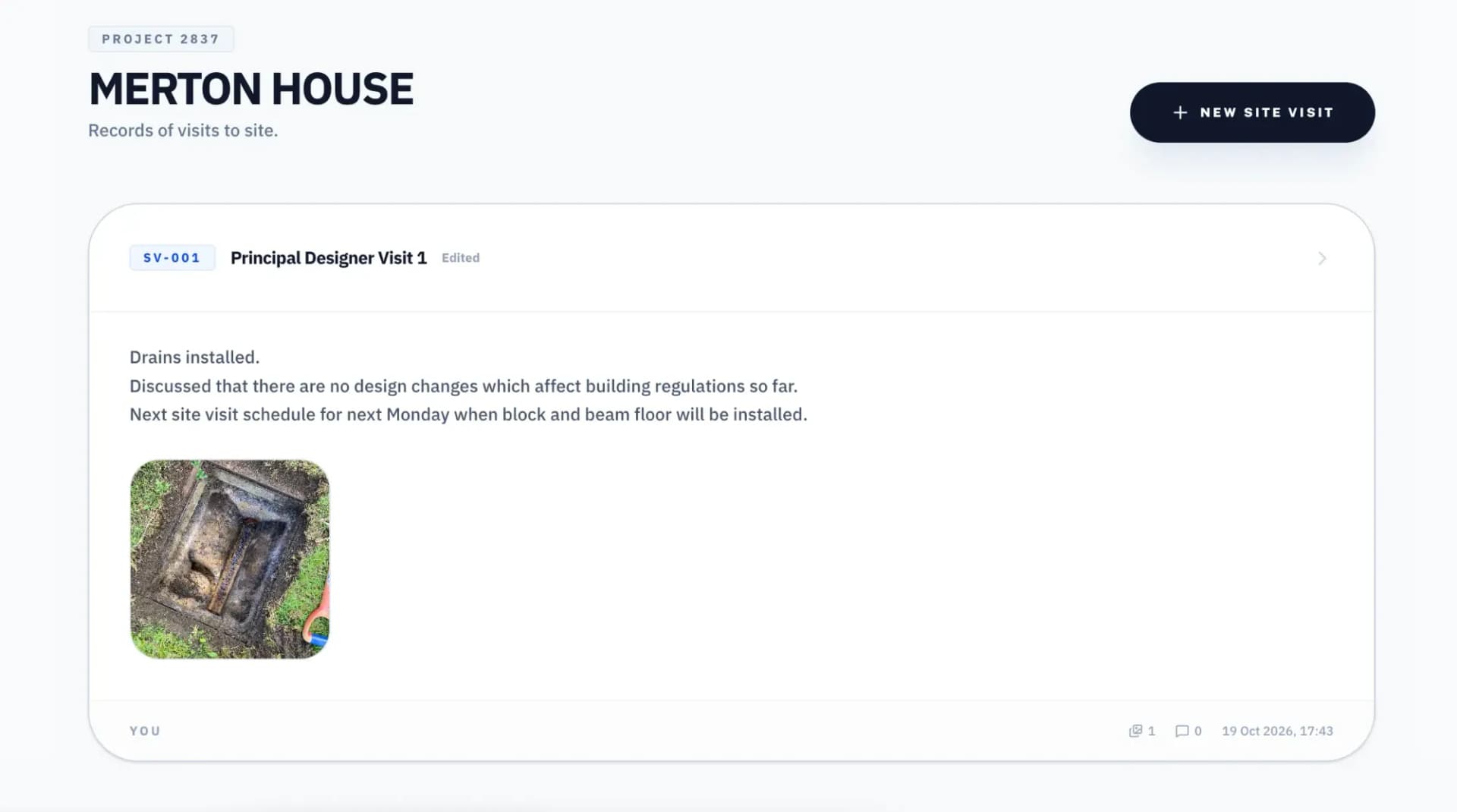
Forms & Documents
Answer and accept online.
When the design team needs information or a sign-off, it arrives as a Form or a Document. Answer questions, upload photos from site, and accept documents online — with a copy emailed to you for your own records. No printing, no scanning, no lost attachments.
Learn more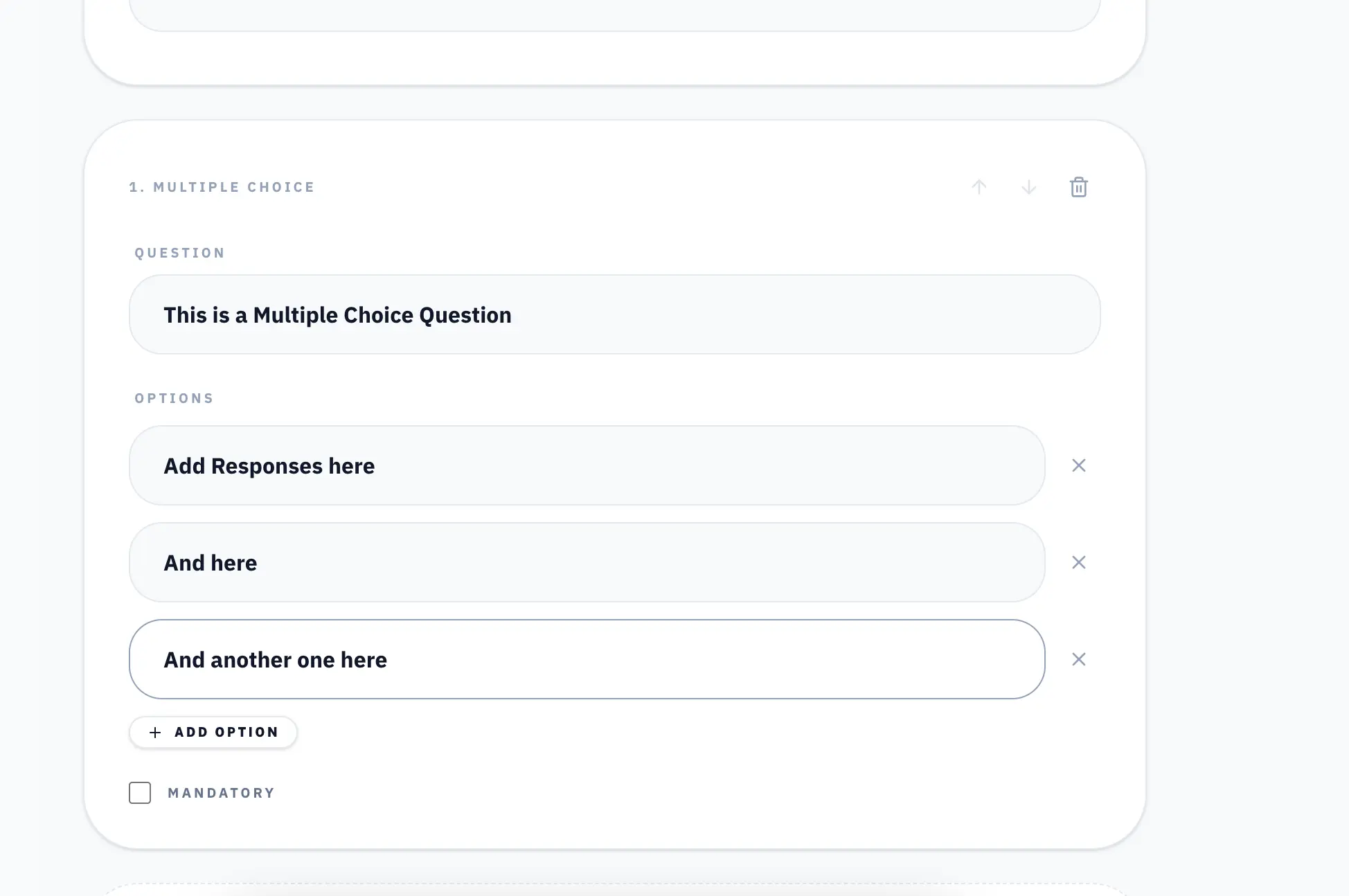
Manage Your Own Projects
Set up the project even if the architect isn't using LatestDrawing.com.
If your architect or designer isn't using LatestDrawing.com, you can set up your own account and manage the drawings yourself. Upload PDFs, add QR codes, track revisions, and share with your subbies — all from a free account. Document control is for everyone on the project, not just the design team.
Share and Collaborate
Keep everyone on the same page.
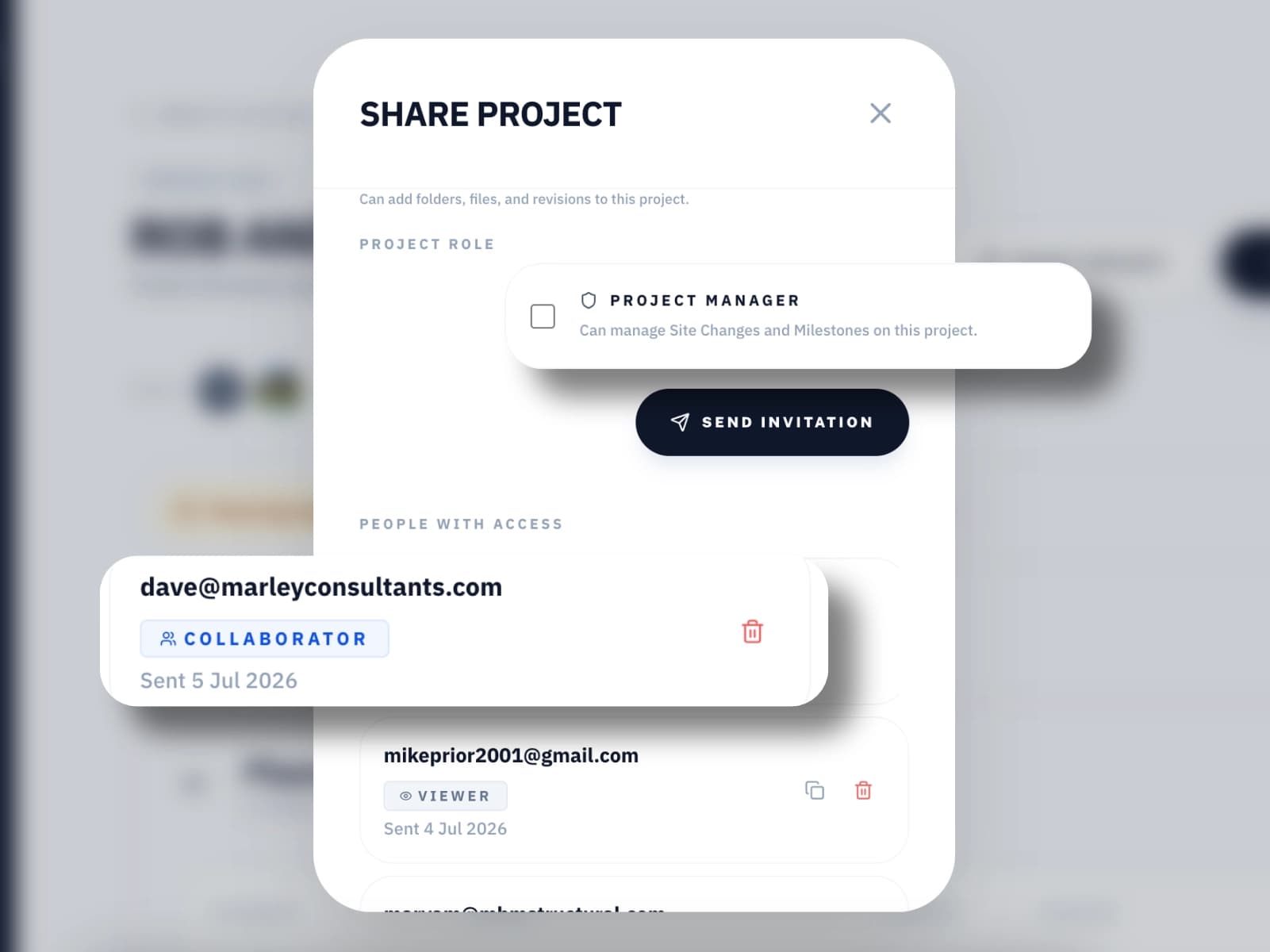
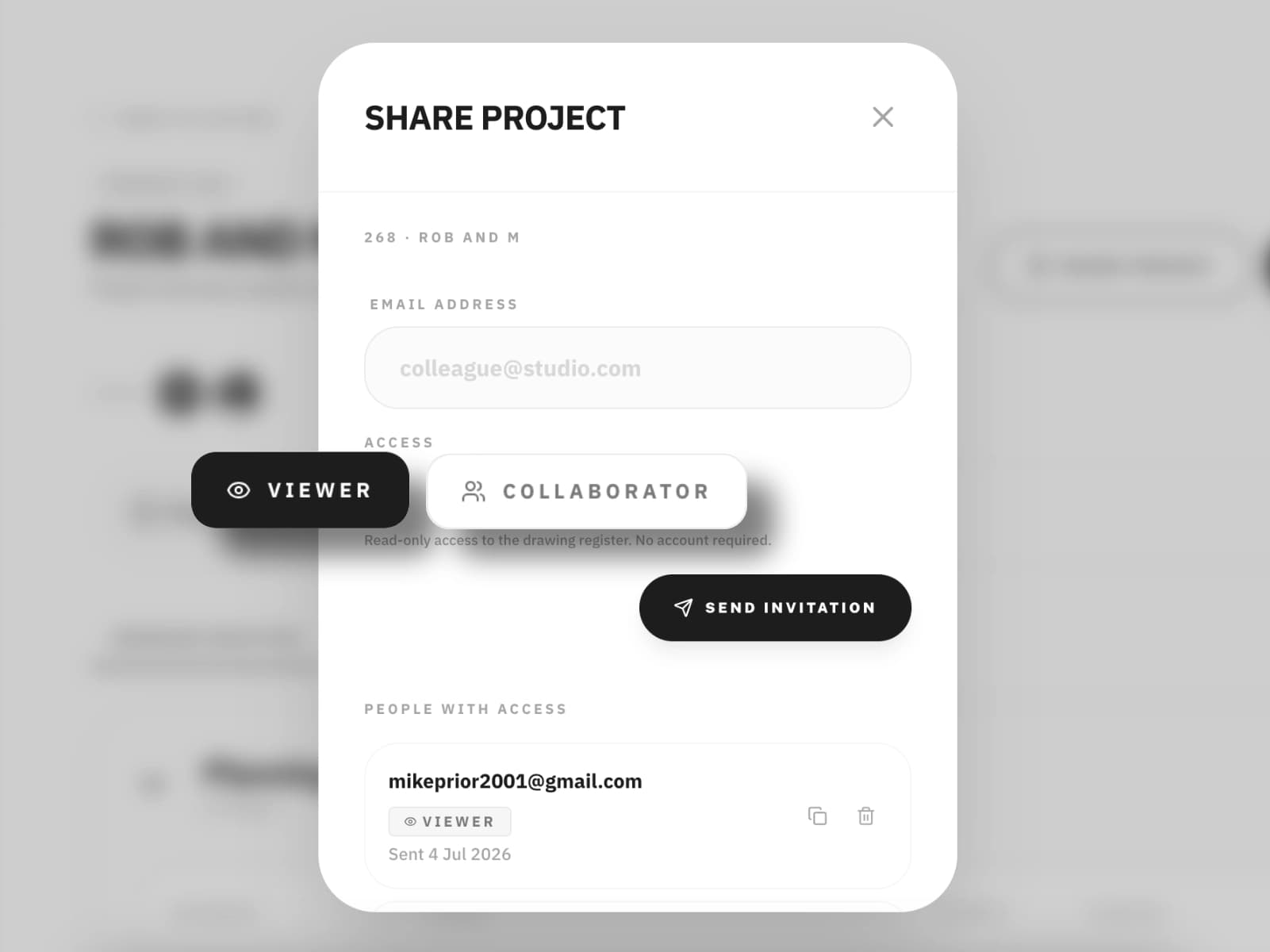
Generate a read-only share link for anyone who needs to see the drawings — client, subcontractor, building control. Or invite another professional to collaborate directly, uploading their own drawings and documents alongside yours. Everyone sees the same register. No more version confusion.
Milestones
Know where the project stands before you start.
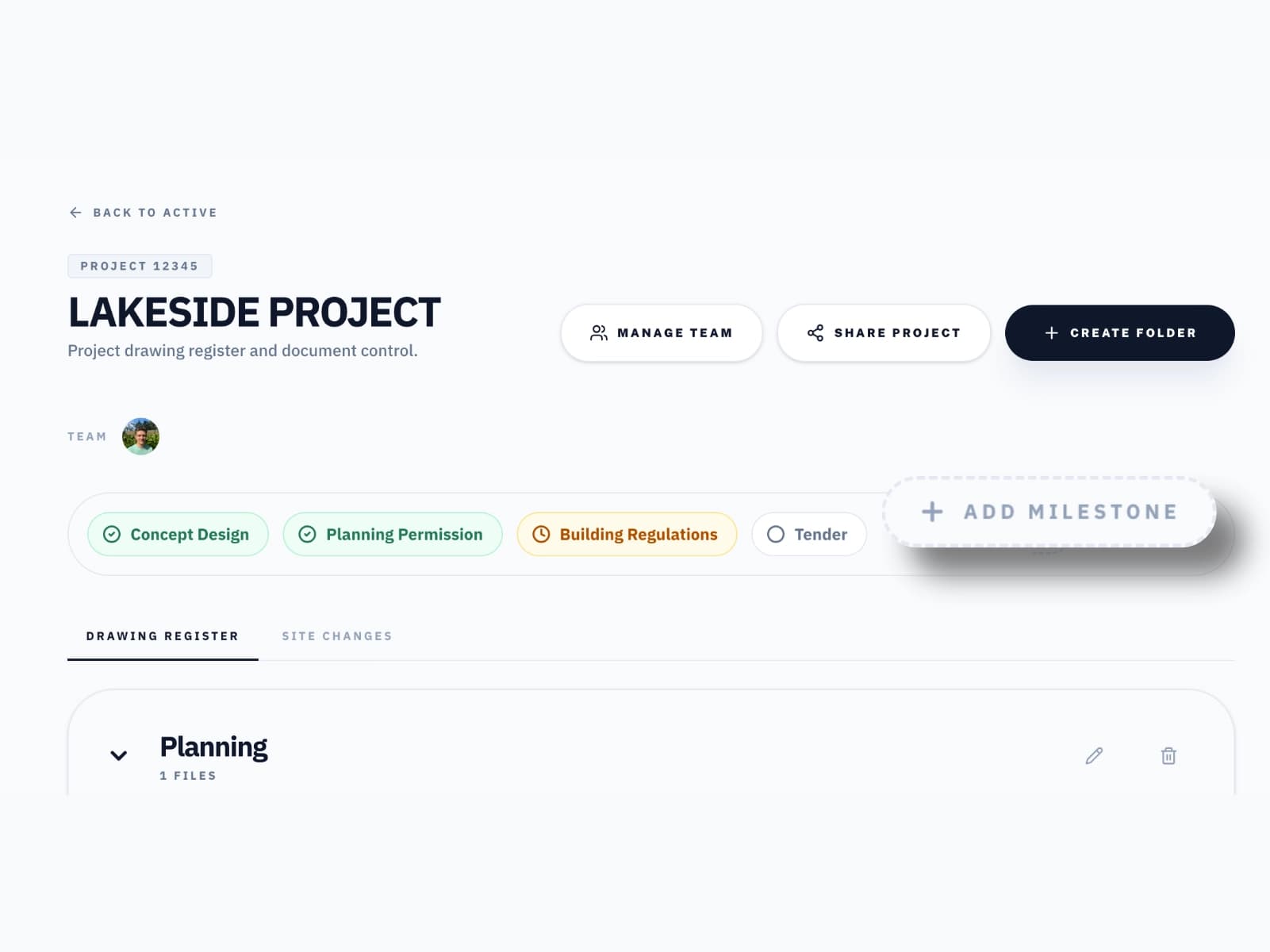
Picking up a project midway shouldn't mean a phone call to find out what stage it's at. Milestones show you instantly whether planning has been approved, building regulations have been submitted, or site work has already started. Add your own milestones as you go, too — track your own progress on site alongside the design team's, in the same register everyone else is looking at.
What you can do
Everything you need. Nothing you don't.
Project dashboard
See all your projects in one place. Always know what is current, what has changed, and what needs your attention.
Scan to verify on site
Scan the QR code on any issued drawing to instantly see whether it is the current revision. No app, works straight from the browser.
Check drawing status
Every drawing shows its current status — Approved, Pending Approval, or Superseded. Know immediately whether it is safe to build from.
No app required
LatestDrawing.com works in any browser on any device. Nothing to install, nothing to update. Works on site as long as you have a signal.
Share site changes with everyone on the project
Site Changes are distributed instantly to everyone involved. No more chasing confirmations or wondering if the team has seen the latest update.
Add projects to your dashboard
Create a free account and add any project you have been invited to view to your own dashboard. Keep all your active projects in one place.
Site Visits
Record and see site visits with notes and photos, all in one place.
Forms
Answer the design team's questions and upload photos straight from site.
Documents
Read and accept documents online, with a copy emailed to you.
Never build from the wrong drawing again.
Free forever on the Free plan. No credit card required.
Create Free Account