Make sure everyone has the latest drawing.
LatestDrawing.com gives you a live drawing register, QR-stamped PDFs, instant sharing, and on-site changes — so your whole project team always works from the latest drawing.
Free forever on the Free plan. No credit card required.
Revision Tracking
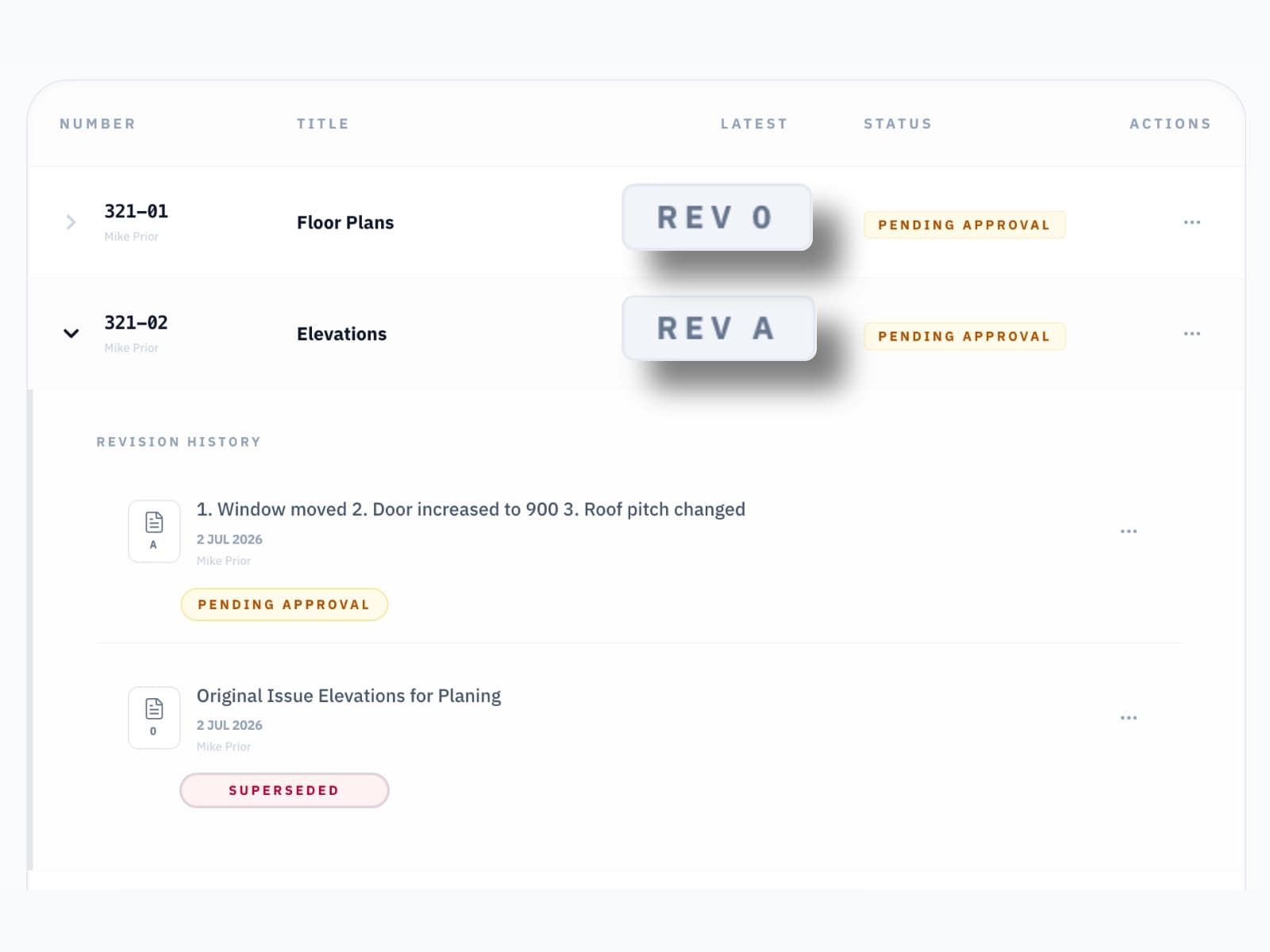
Every Revision Tracked Automatically.
Every drawing you upload is versioned automatically — labelled O, A, B, C. Previous revisions are never deleted. The full history is always visible, always downloadable. A full audit trail is maintained for each drawing.
QR Code Stamping
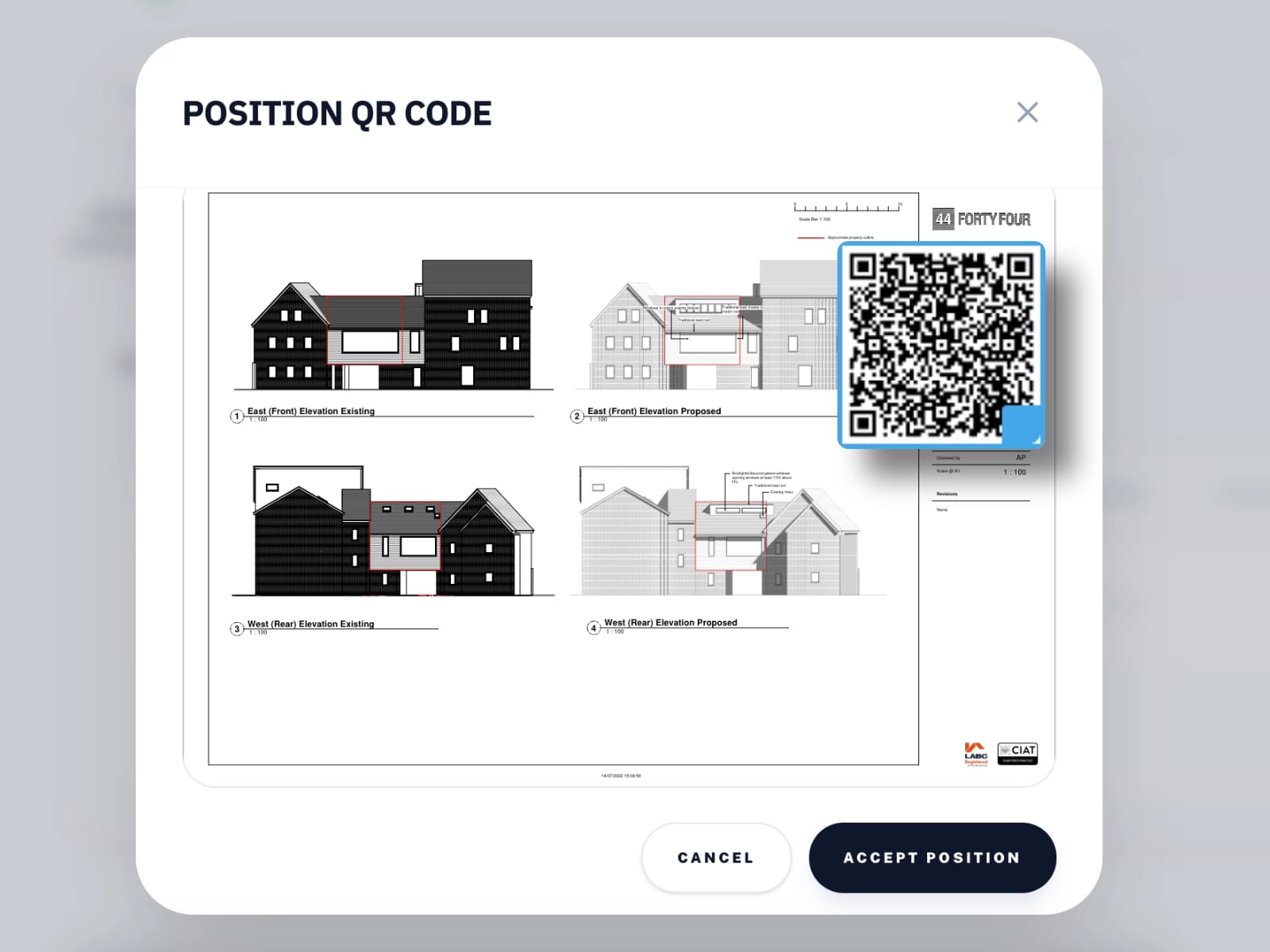
Add a QR Code and never work from the wrong drawing again.
When you upload a drawing, stamp a QR code directly onto the PDF in seconds. Every physical print now carries a live link back to the drawing register. Anyone on site — builder, subcontractor, building control — can scan it with any phone to instantly verify whether the drawing in their hand is the current issue or has since been superseded. Never work from the wrong drawing again.
Viewer Access
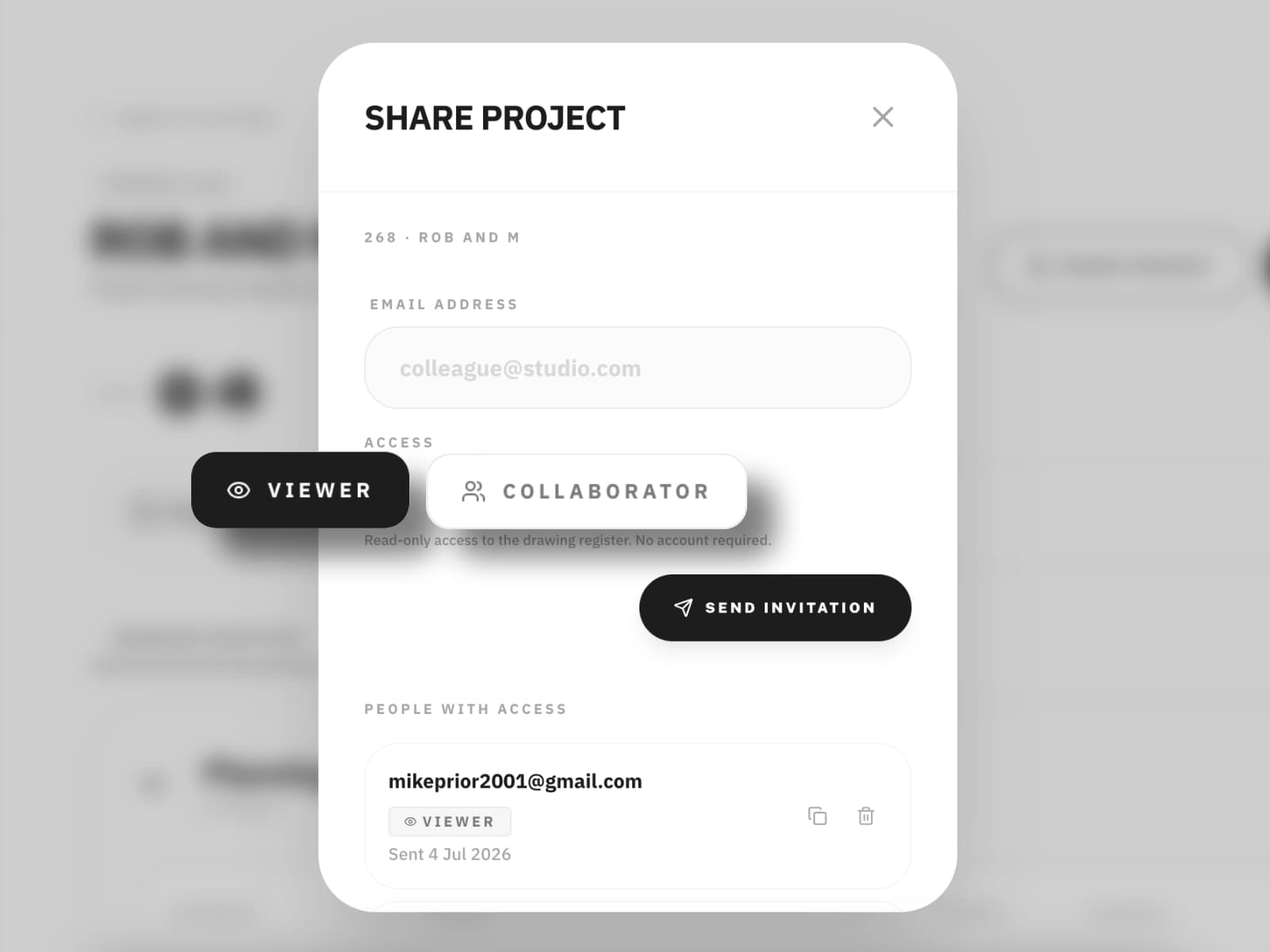
Unlimited Viewers to keep everyone on the same page.
Invite anyone who needs to see the project as a Viewer. They see every drawing, every revision, every on-site change, and only you can change the register. Viewing is free, needs no app, and ends PDF attachments. When you issue a new revision, they already have it.
Collaboration
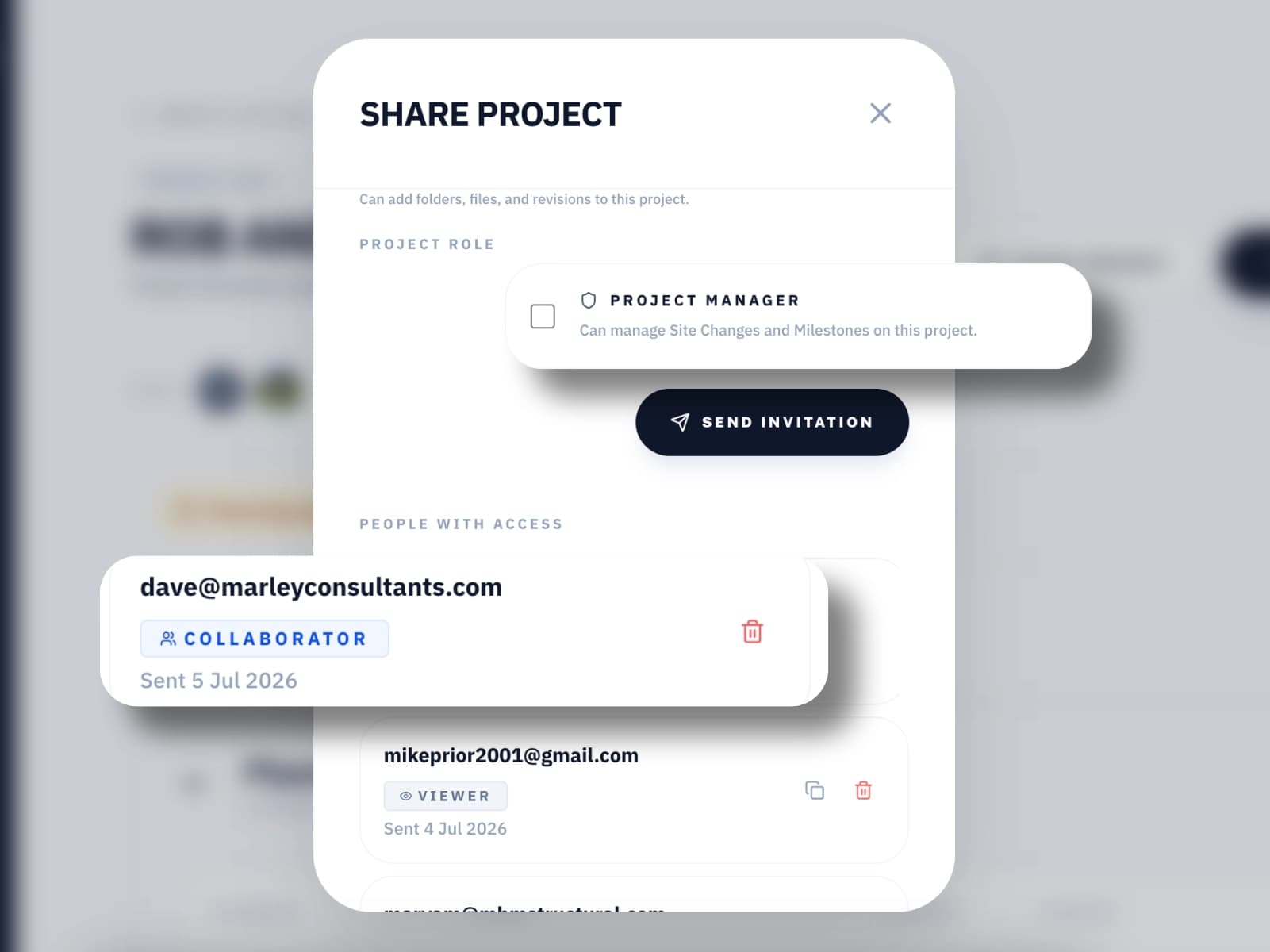
Invite your team to contribute.
Invite your structural engineer, consultants, or interior designer as a collaborator. They can upload their own drawings and documents directly into the project register alongside yours — clearly attributed, fully versioned. You retain control of everything your team has added. They can only edit what they uploaded.
Site Changes
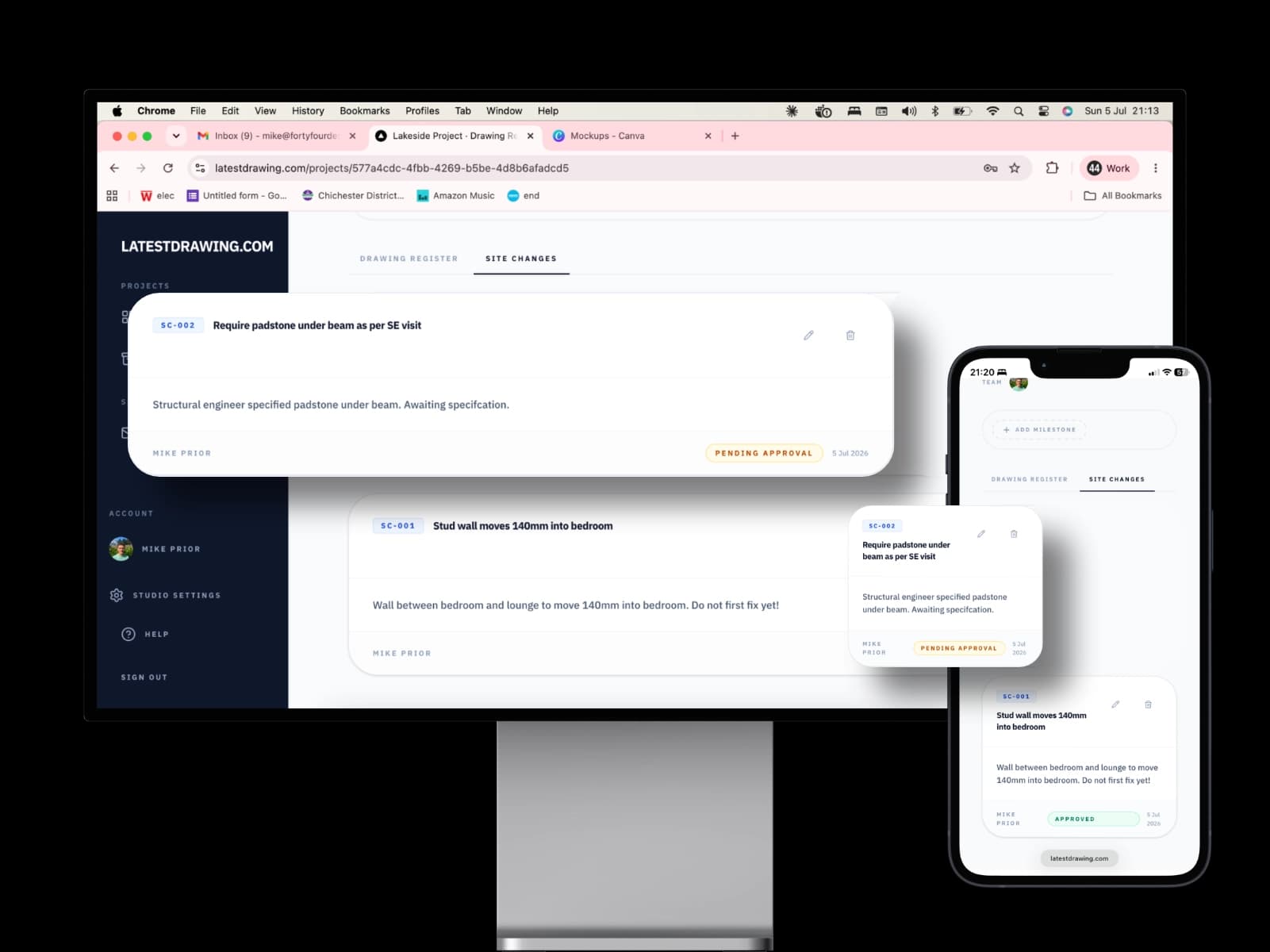
Distribute on-site changes instantly.
Not every change makes it onto a revised drawing before work starts on site. Site Changes let you issue, distribute, and track agreed changes to everyone involved in the project — with images, a reference number, and a full record of who was notified. No more "I never got that email!."
Milestones
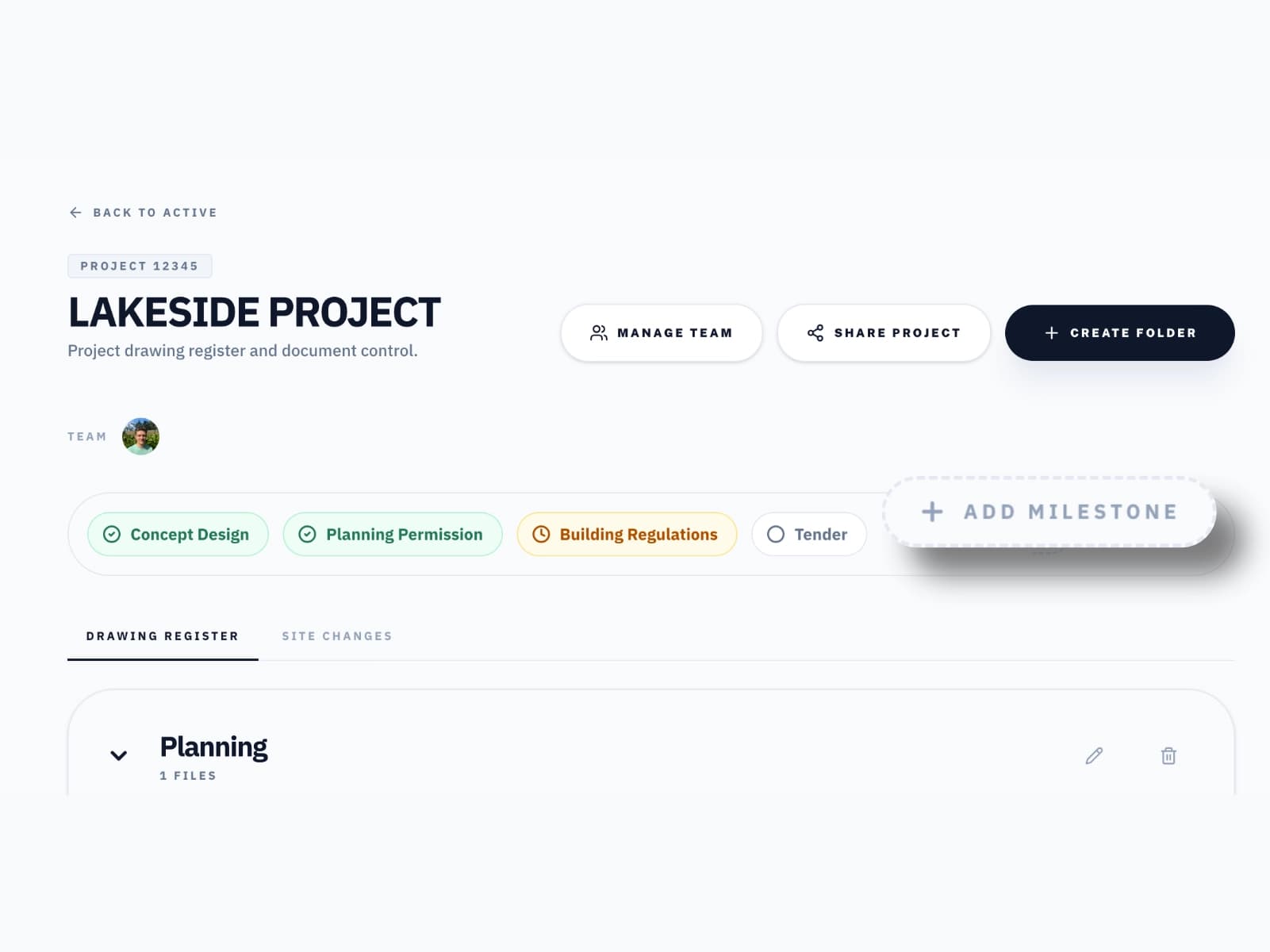
Mark the project's key dates. Keep everyone aligned.
Set the milestones that actually matter — planning submission, building regs, site start, practical completion — and update their status as the project moves through them. A contractor picking up a project midway sees instantly whether planning has been approved or building regulations have been submitted. Builders on site can add their own milestones as work progresses, so the register always reflects where the project actually stands.
Site Visits
Record every site inspection.
Record each visit to site from your phone — purpose, date and time, notes and up to 50 photos. Drafts save as you go and stay private until you publish. Then the visit gets its own SV- reference number and the builder, client and consultants all see the same record, with a comment thread for follow-up questions.
Learn more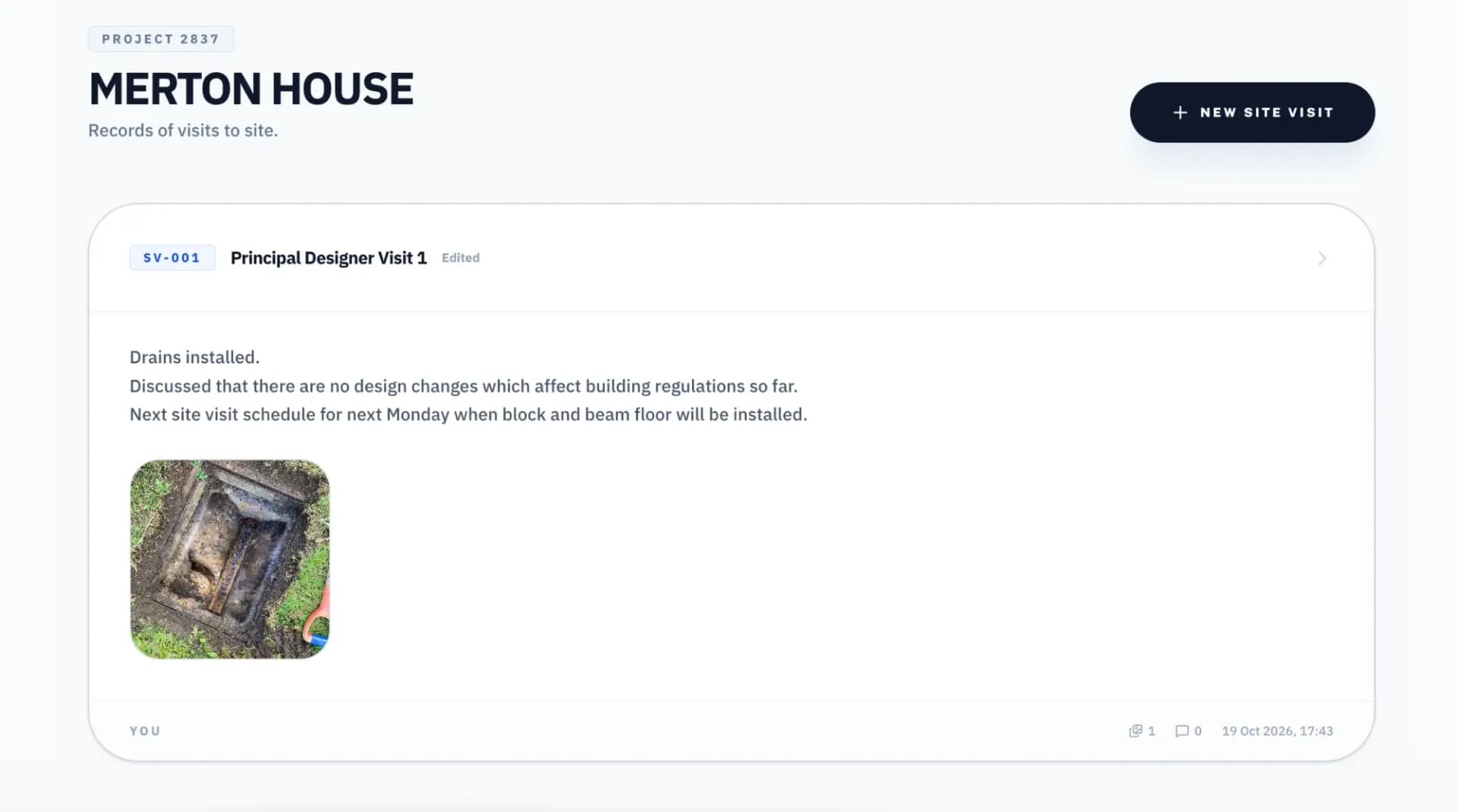
Forms
Client sign-offs without the email chain.
Send your client a briefing questionnaire, a finish selection or a pre-start checklist as a Form. Add photo uploads and tick-to-agree terms, and the answers are locked once submitted. Forms work on Leads too, so you can gather the brief before the job is won.
Learn more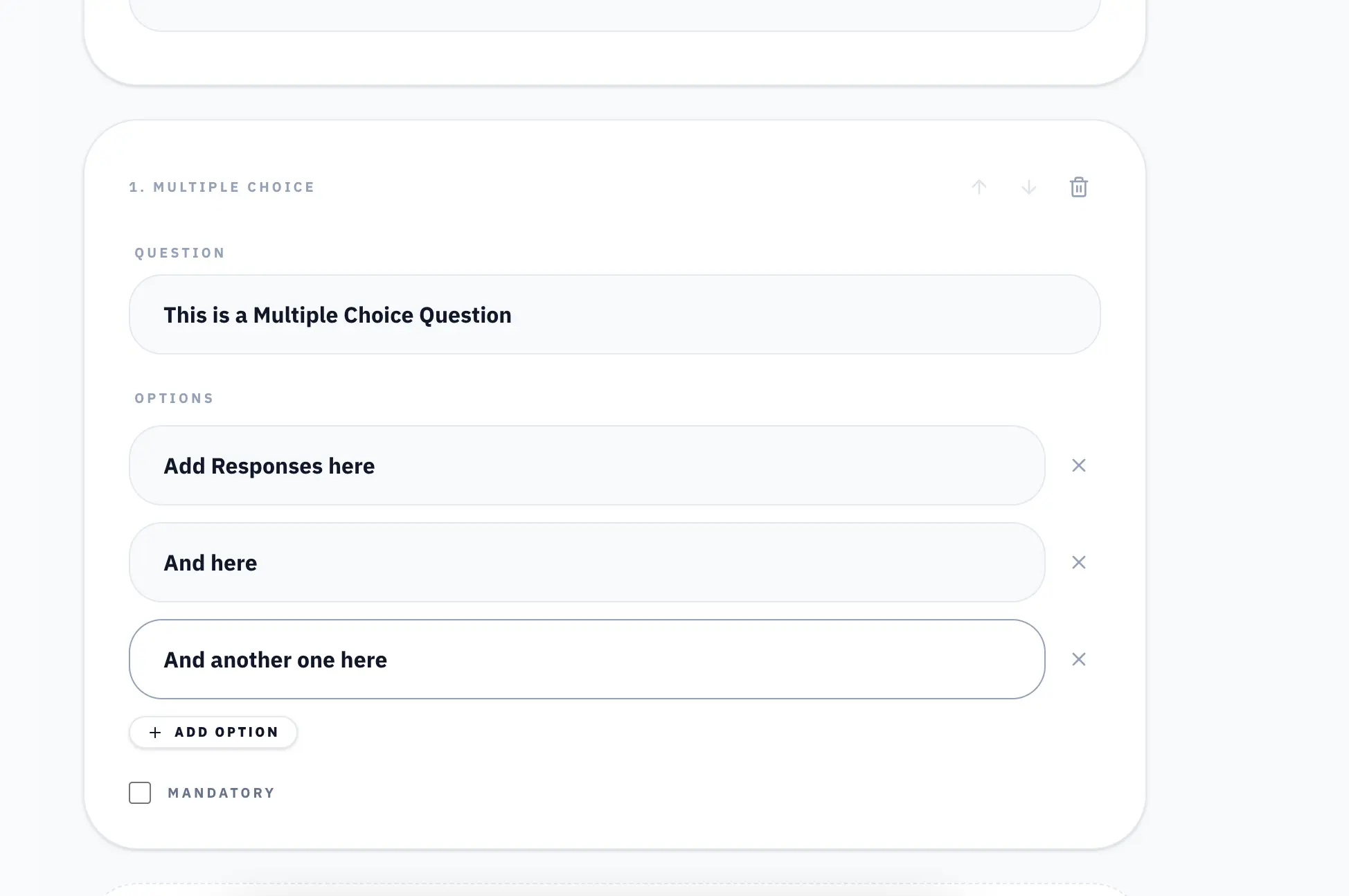
Documents
Fee proposals and appointments, accepted online.
Write fee proposals, appointment letters and scopes of work on your studio letterhead from your own templates. Send them to the client, see when they have been read, and let them accept online. Every acceptance records exactly what was agreed, and the client is emailed a copy.
Learn more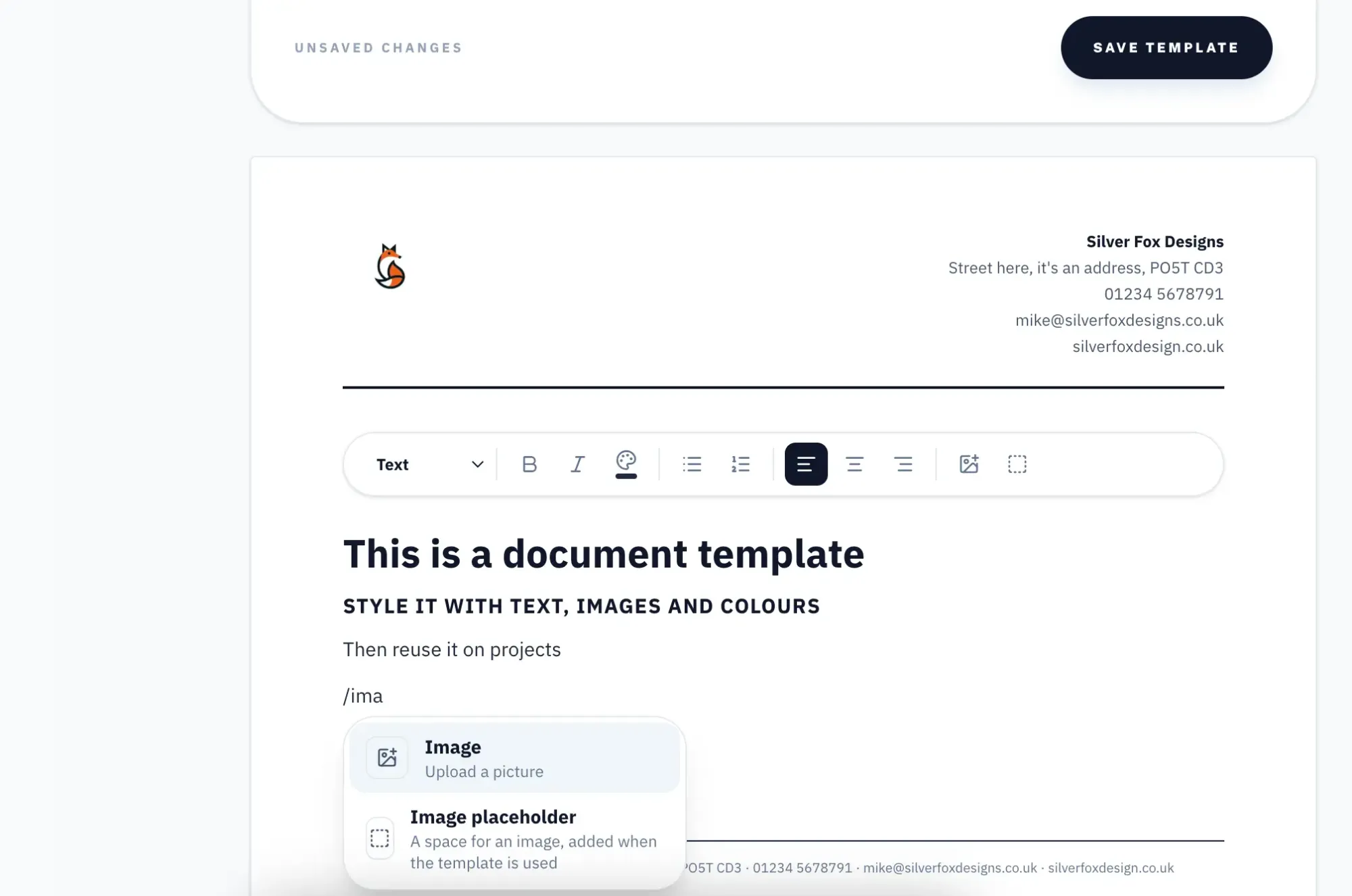
Health & Safety File
Your H&S file. Built automatically as the project grows.
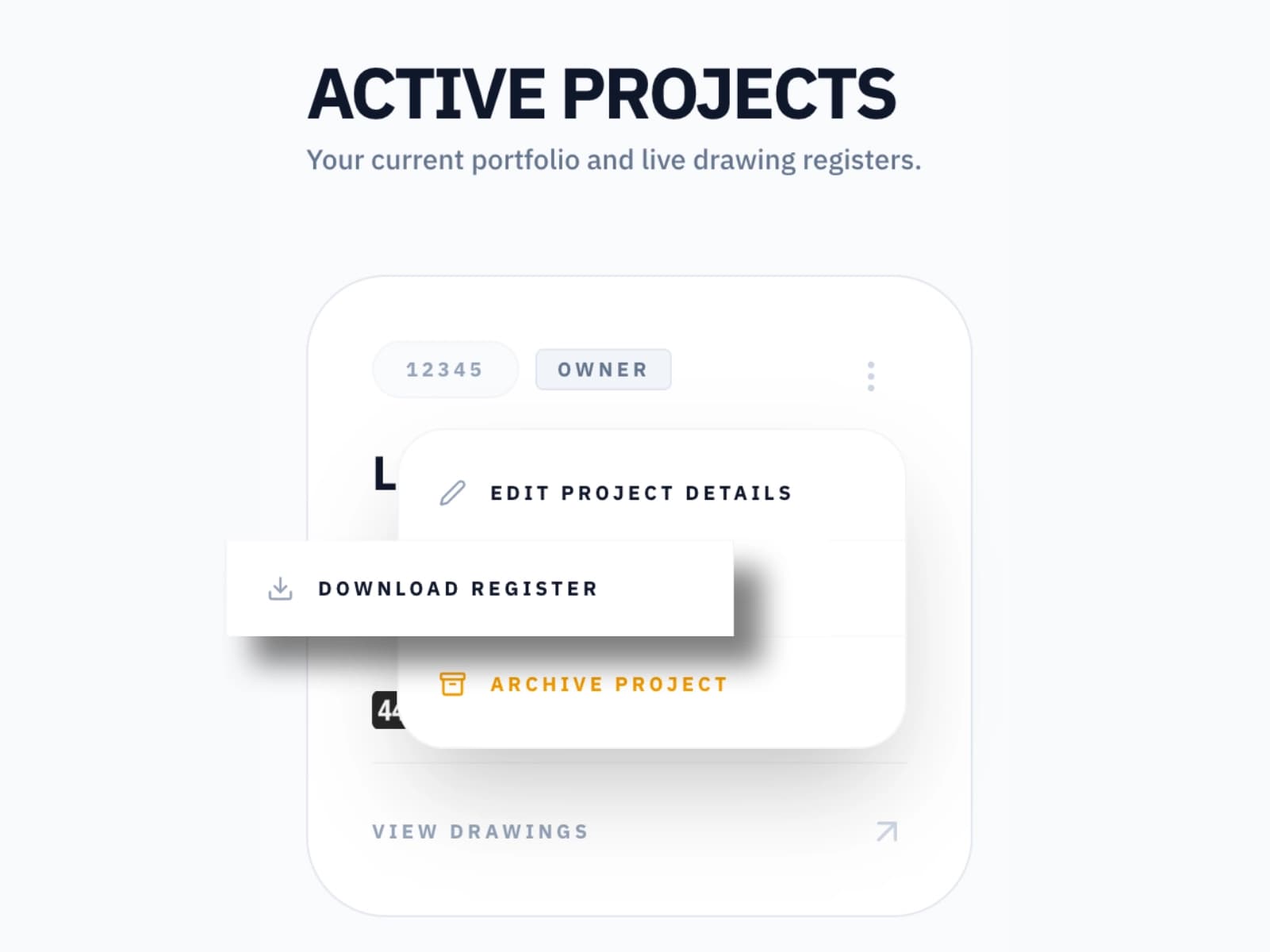
The CDM Regulations require a Health & Safety file to be handed over at project completion containing all relevant drawings and documents. LatestDrawing.com is that file — live and current from the first drawing you upload. Every revision, every document, every site change. No scramble at handover. No hunting for files. Download the full register as a ZIP at any time.
Everything in one place
Everything you need. Nothing you don't.
Full revision history
Every revision retained. Nothing deleted when a new version is issued. The full history is always visible and downloadable.
QR code stamping
Stamp a QR code directly onto any issued drawing PDF. Anyone on site can scan it to instantly verify they have the current revision.
Free Viewer access
Invite clients and contractors as Viewers. They see every drawing and revision, always current. Viewing is free and unlimited.
Invite collaborators
Invite structural engineers, interior designers, and other consultants to contribute directly to the project register.
Site Changes
Issue last-minute changes to everyone on the project instantly. Full audit trail of every change distributed, and to whom.
Health & Safety file
Your project register is your H&S file. Every drawing and document, live and current from day one. No assembly required at handover.
Site Visits
Record inspections with notes and up to 50 photos, published to everyone on the project.
Forms
Gather briefs, selections and sign-offs with photo uploads and tick-to-agree terms.
Documents
Send proposals and appointment letters on your letterhead and record their acceptance.
Stop wondering who has the latest drawing.
Join architects and designers across the UK who have brought clarity to their drawing distribution.
Get Started FreeFree forever on the Free plan. No credit card required.